 SYNC
SYNCLive online piano lessons
Comprehensive online piano lessons, done right.
The live room, the score, the practice in between, and the studio around it — for teachers, the students they guide, and learners going it on their own.
What "done right" means
Not one clever trick — the whole arc of a lesson, built properly.
The whole arc, one app.
Live lessons, a shared score, exercises, practice between sessions, and everything to run a studio — not a video call bolted onto a PDF.
Plays the music, not just the notes.
The score plays as written — dynamics swell through the hairpins, ornaments resolve to the right notes for the key, the sustain pedal actually pedals.
Stays in time, even on bad wifi.
Your playing travels as tiny note messages, not an audio stream, rendered on each device — so it stays in time on hotel wifi, a hotspot, or a rural line.
A curated library, as living notation.
A growing, curated collection of public-domain classical works, converted to MusicXML — interactive notation you can play, hear, transpose, and annotate.
A walk through the app
From sign-in to the last note, here's the typical flow.
- Everyone
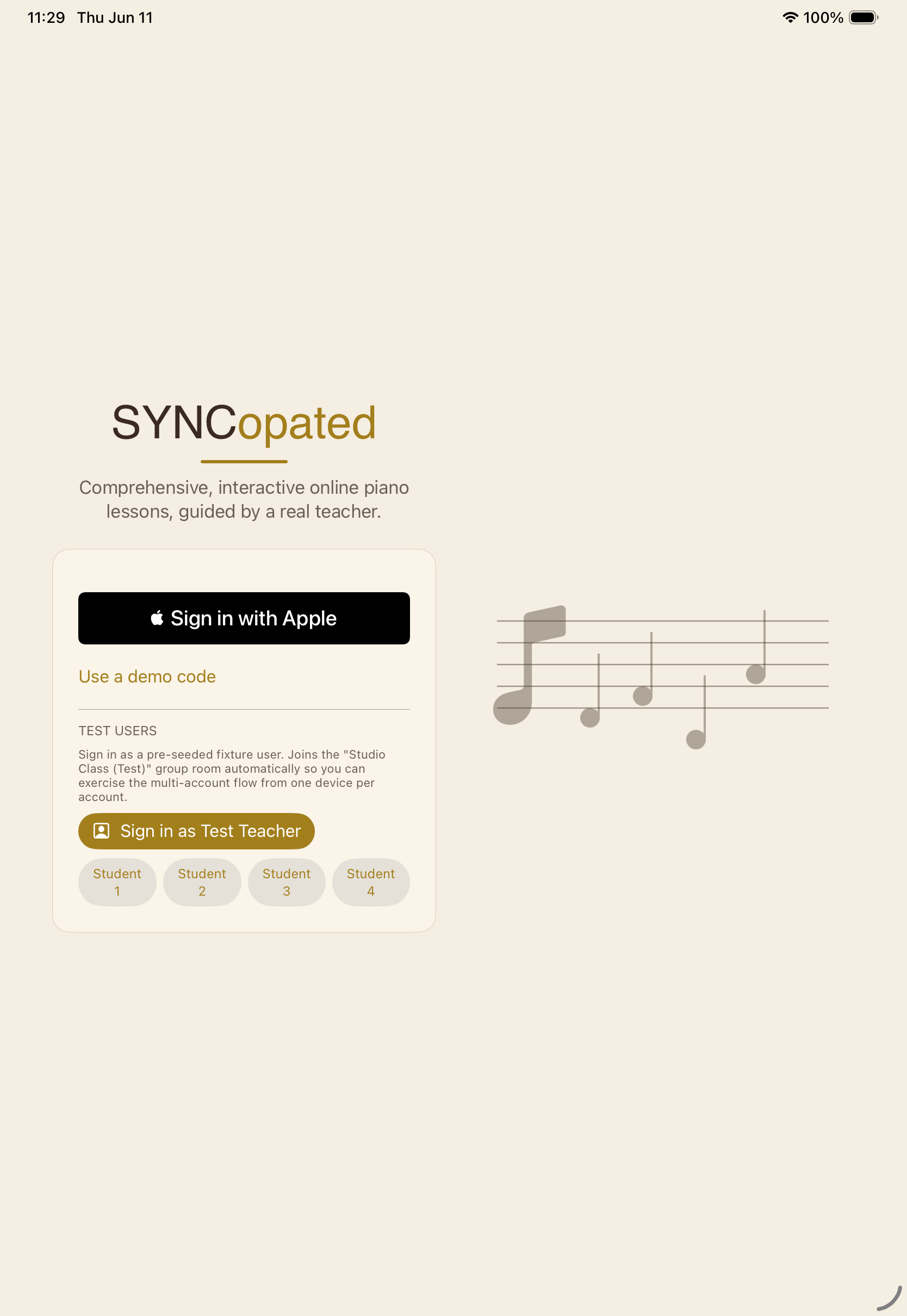
Sign in with Apple.
No new password. Students sign in with their own Apple ID, which Apple already age-gates and parents control.
- Teacher
- Guided
- Self-directed
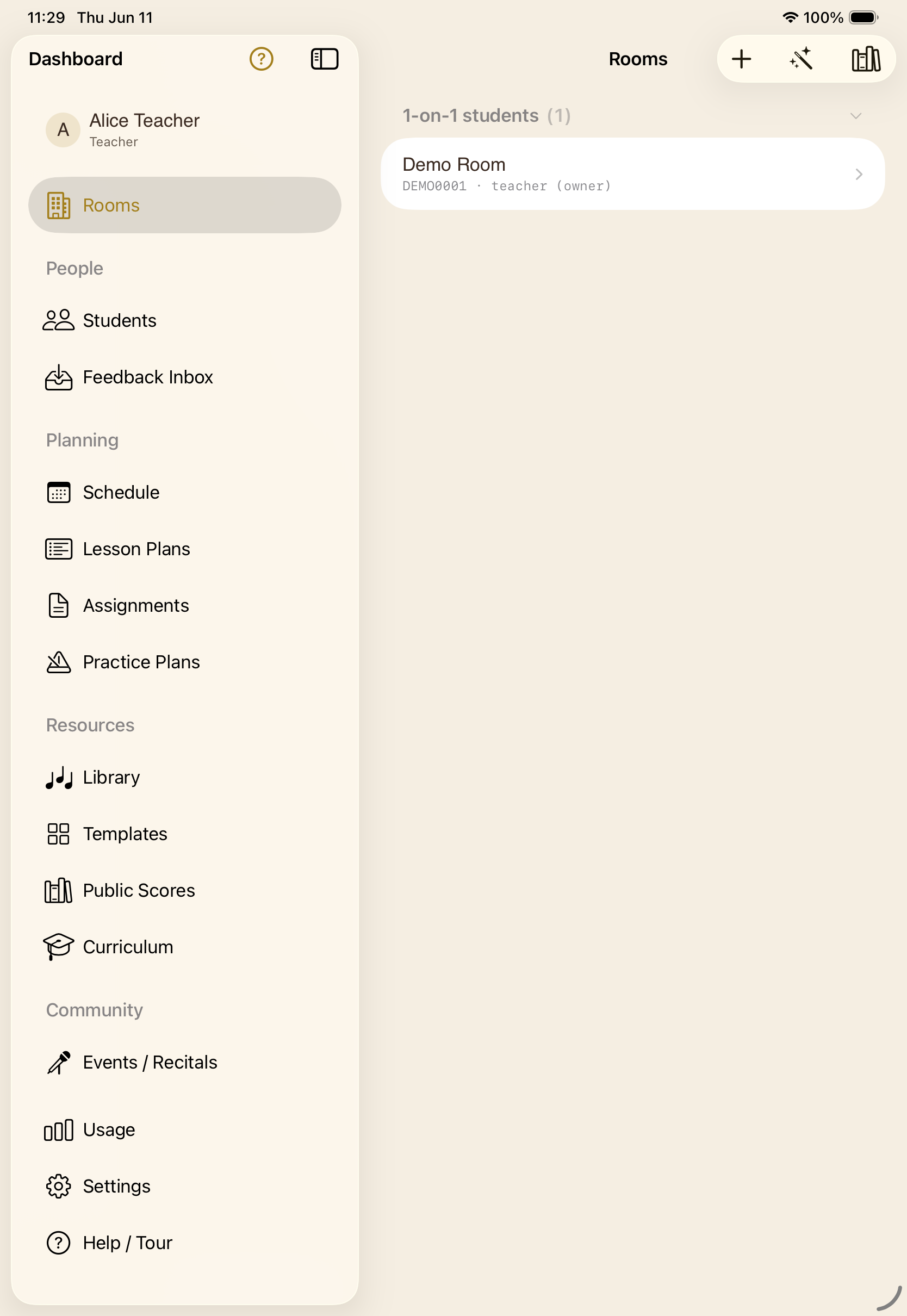
One home for your music.
A teacher sees the whole studio — rooms, students, planning. A learner sees their rooms, schedule, library, and what's due. One place, your role.
- Teacher
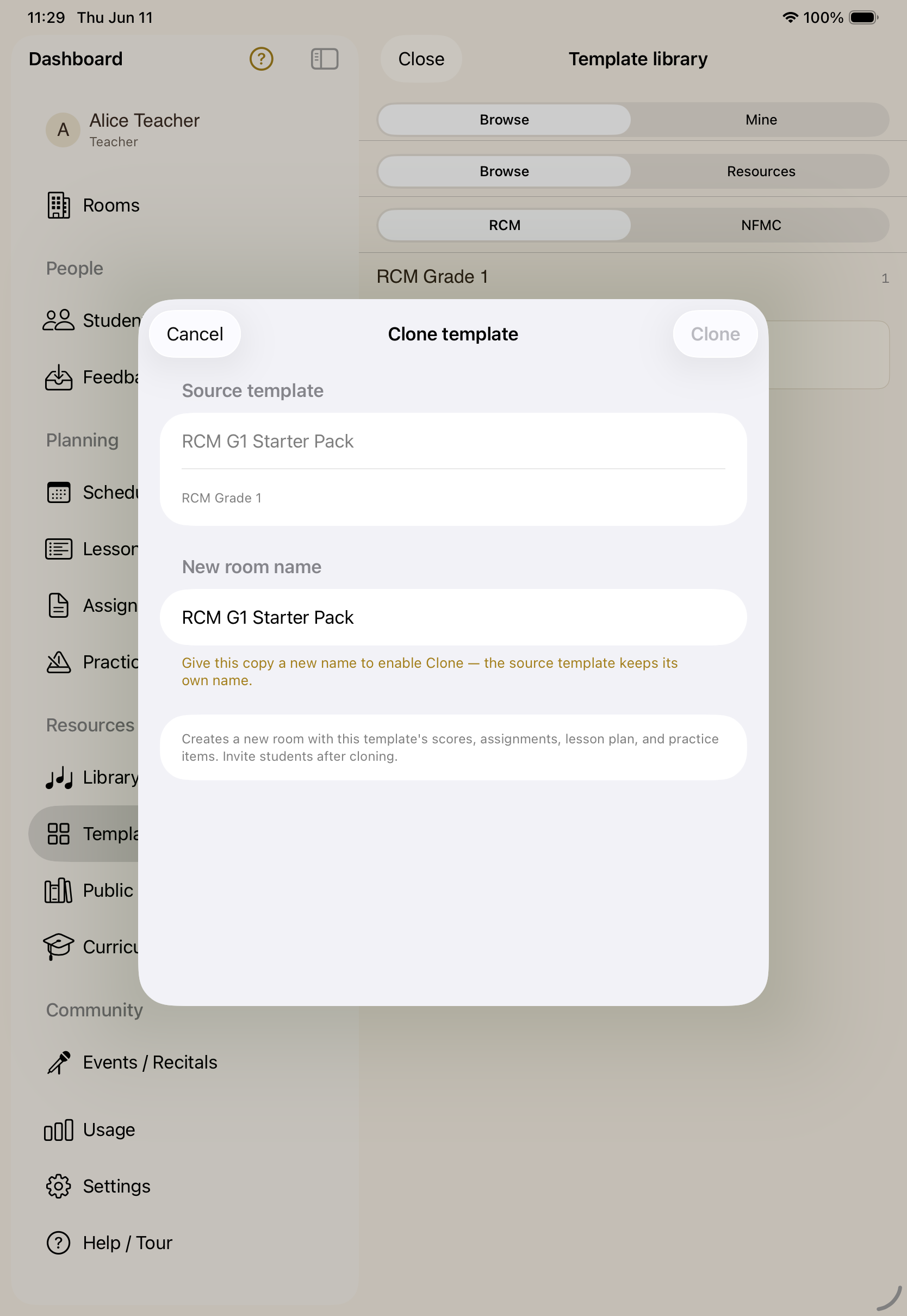
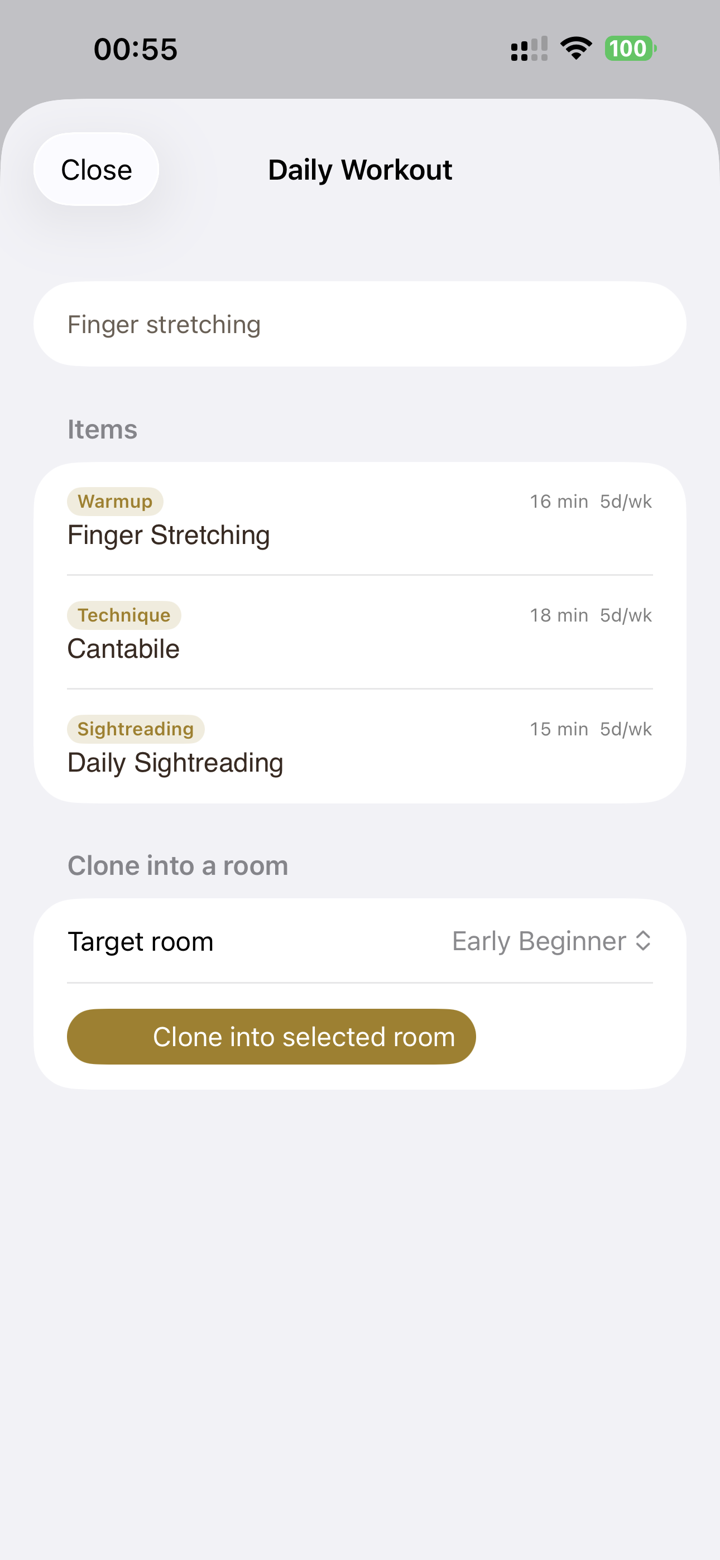
Start a student from a template.
Clone a curriculum-tagged starter pack — scores, assignments, lesson plan, and practice routine come along for the ride.
- Teacher
- Parent
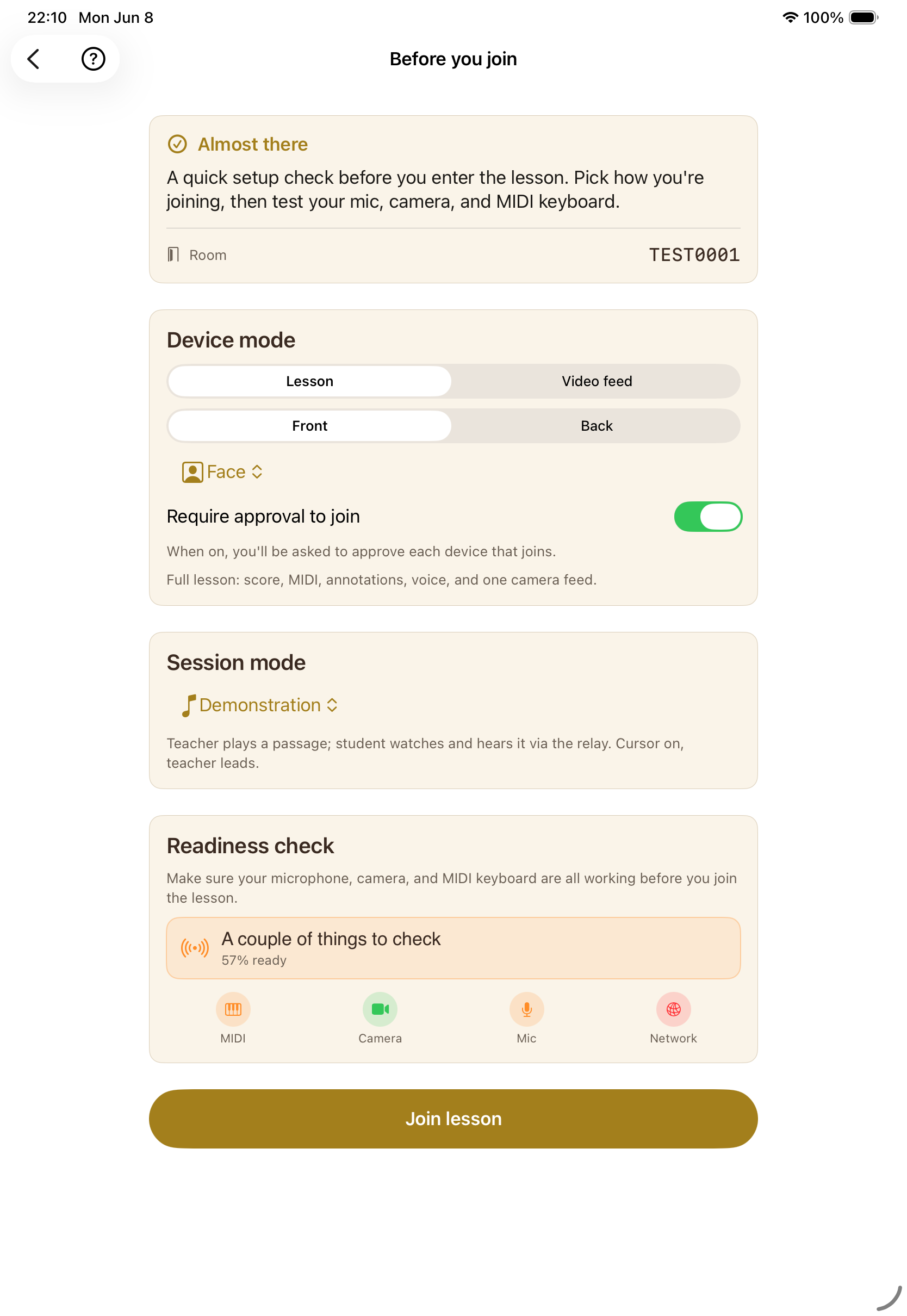
You decide who's in.
Every device asks to join; the teacher admits it. A deliberate door, not an auto-join — with safe session-mode defaults for young students.
- Teacher
- Guided
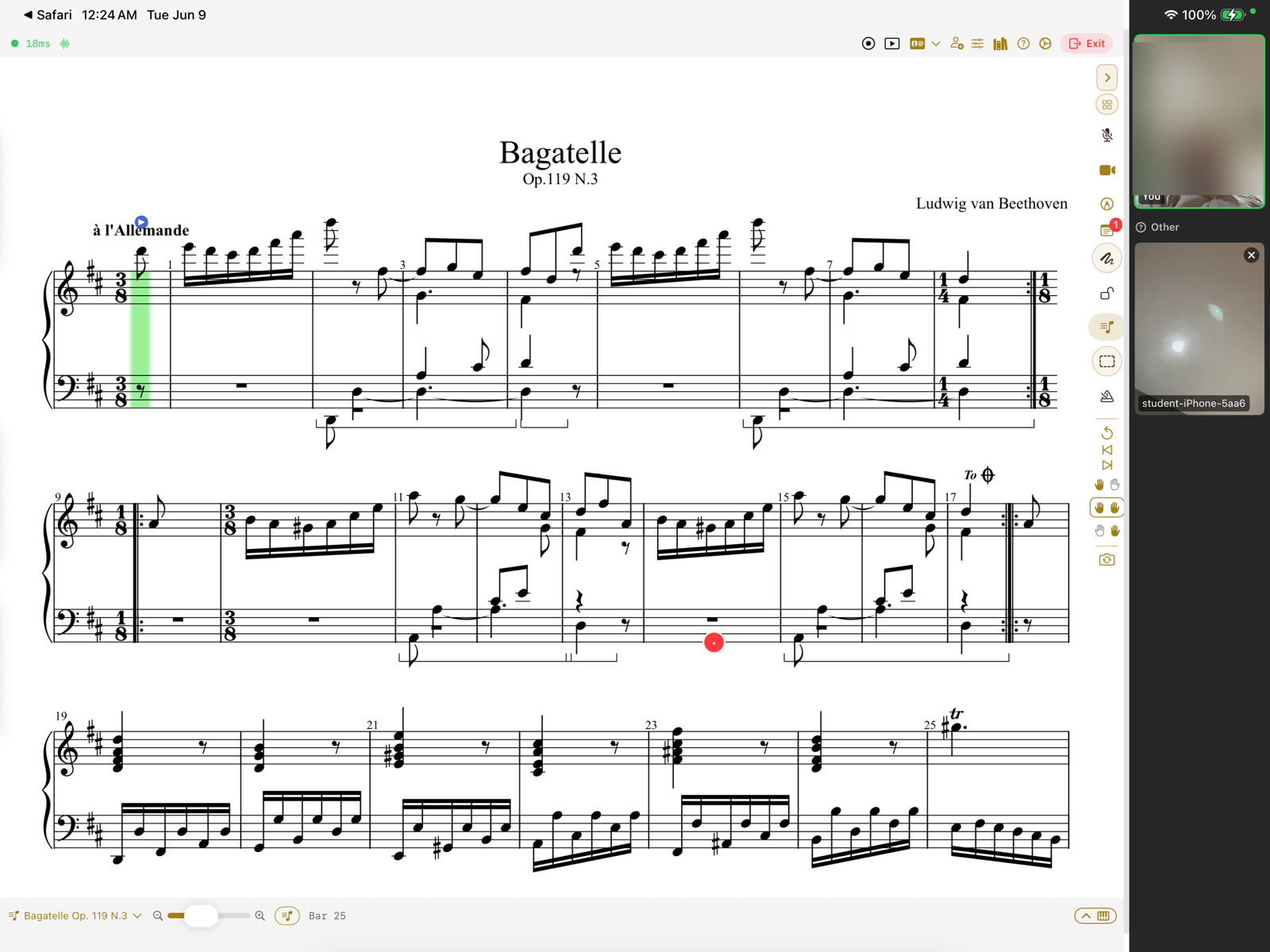
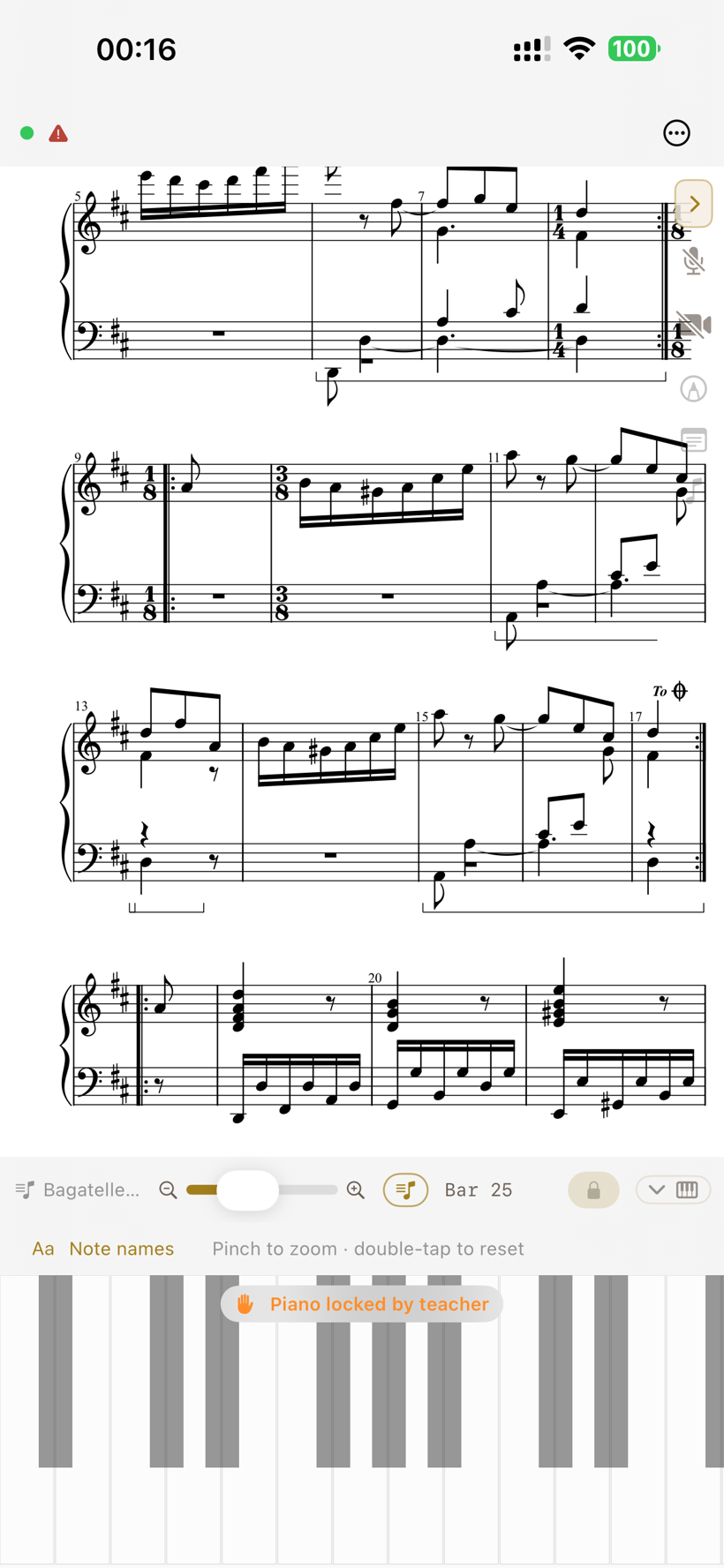
The same score, both screens.
Live video face to face, a synced cursor on the shared score, and — because your playing travels as data, not audio — you actually play together, in time.
- Teacher
- Guided
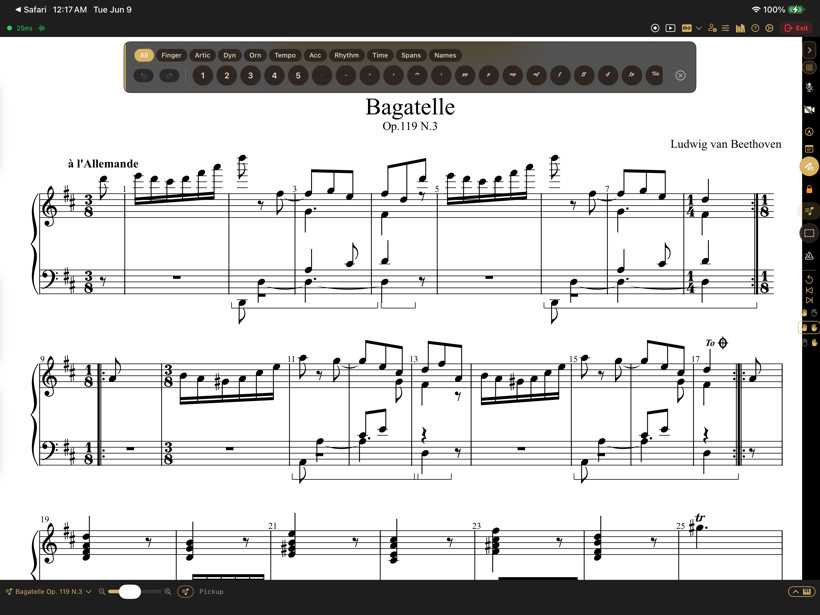
Mark up the page, live.
Fingerings, articulations, dynamics, slurs, pedal — your ink lands on the same page the student is reading, in real time.
- Guided
- Self-directed
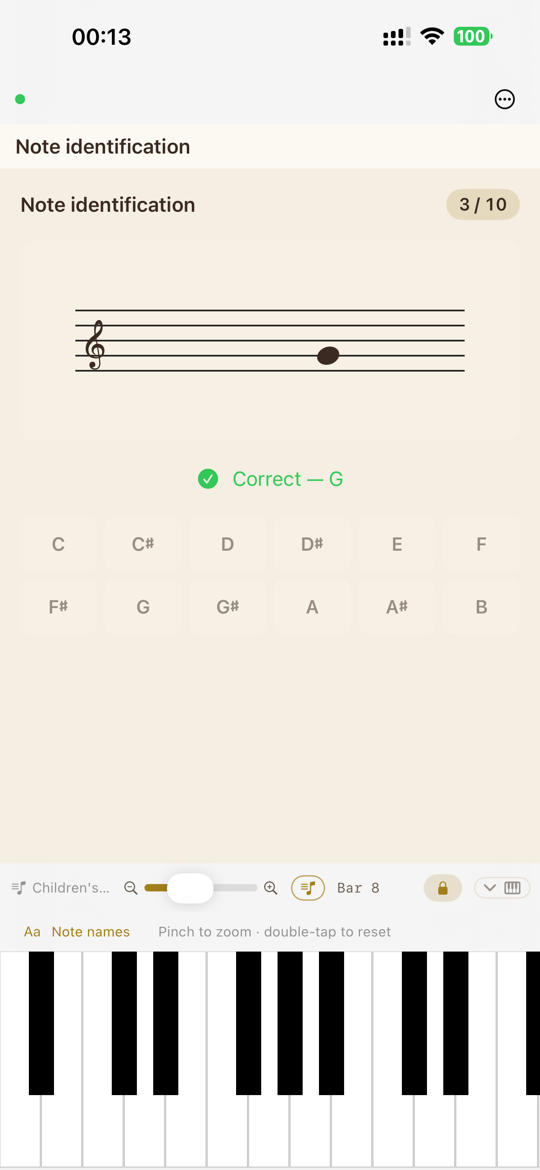
Graded as they play.
Notes, chords, scales, and ear training — answered on the keyboard and graded in the moment. With a teacher, or on your own.
- Guided
- Self-directed
Practice that keeps going.
With a teacher: a daily agenda that advances as each step is mastered. On your own: build your own loop — your pieces and drills, advancing as you master each. No lesson required.
What sets the experience apart
The details that make a remote piano lesson actually work.
- Teacher
- Guided
- Parent
Every angle that matters.
Piano isn't a face — it's hands, pedals, posture. Run several feeds at once: face, a hands-cam, an overhead of the keyboard. And any device with a browser can join as an extra camera from a short code — a spare phone propped over the keys, no app to install.
- Self-directed
- Guided
Hear the piece, played properly.
Hear any library score the way it's written — dynamics, ornaments, pedal — then slow it to 50–75%, transpose it to your key, and loop the hard phrase.
- Guided
- Teacher
Submit a take, get real feedback.
Record a passage and send it. Your teacher reviews it in an inbox with timestamped notes, and you get it back on your device.
(feedback inbox — feedback-inbox)
- Teacher
- Parent
- Guided
Every lesson ends with a recap.
A short recap of what you covered and what to practise — drafted on-device with Apple Intelligence — sent to the student and saved where you want it.
(lesson recap — session-summary)
- Everyone
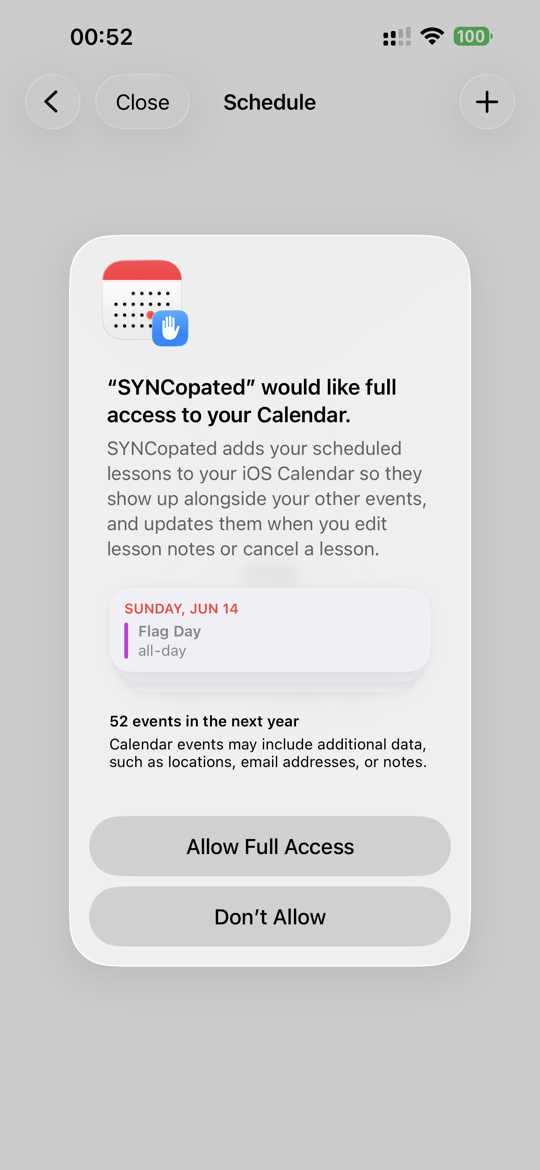
Built on the iPad you already know.
Lessons mirror to Calendar. Save a lesson recap straight to Notes. And those recaps are drafted on-device with Apple Intelligence. Nothing new to learn — it lives where your things already do.
- Self-directed
Learn at your own pace.
A self-study space: open any piece, hear it played properly, run drills, and track your own progress. No teacher, no schedule — just you and the music.
(self-study room — self-study-room)
- Parent
One account for the whole household.
Family accounts share one minute pool. Each child gets their own rooms, and you see usage at a glance.
(family & usage — family-household)
For teachers
Everything a studio needs — nothing left behind.
Run your next lesson on the same page.
SYNCopated is on iPhone and iPad. Set up a room, invite a student, and teach on a shared score.
Join the beta on TestFlight