 SYNC
SYNCEvery feature
Everything SYNCopated does.
The whole toolkit for teaching piano online — the live lesson, your studio, a curated library, scheduling, practice, and recitals. Grouped, so you can find what you need.
Run your studio
Manage students, rooms, and content — without a spreadsheet.
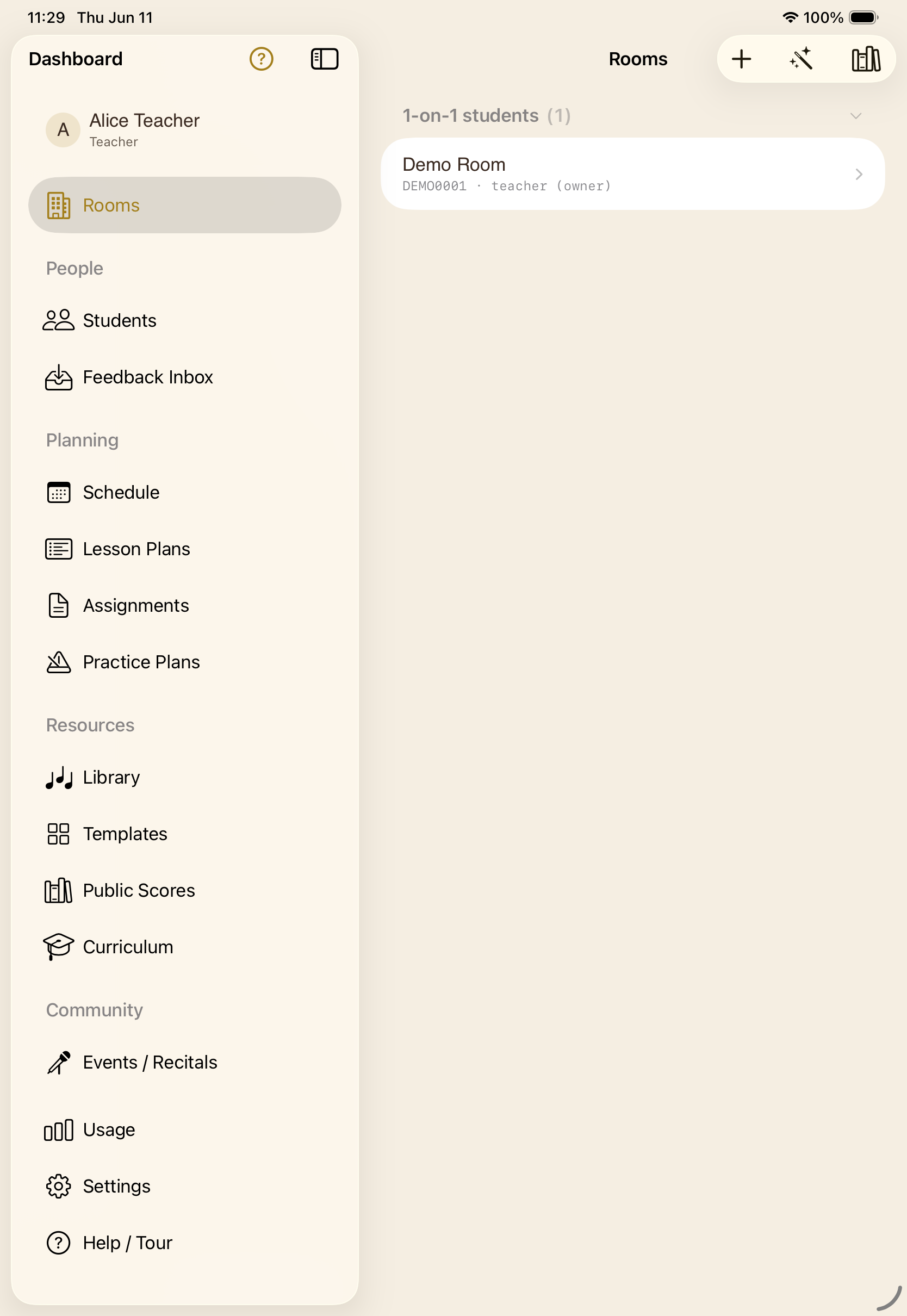
One dashboardA role-aware home: rooms, people, planning, and resources in a single sidebar.
Your roomsOne-on-one students and group classes, each showing this month's minutes.
Group lessonsGroup classes where the teacher can focus on one student during class.
Inside a roomScores, assignments, lesson and practice plans, members, and the invite — in one place.
Invite a studentA QR code, a short code, or a link — however the family prefers to join.
Start from a templateCloneable starter rooms by level, from young beginner to advanced.
Room setup wizardA guided path: name, age, focus, then seed curriculum, scores, and exercises.
Curriculum, built inGraded levels (Alfred, RCM, ABRSM) with ready-made repertoire and theory.
AssignmentsEvery assignment, grouped by student, with due dates and instructions.
Feedback inboxStudent takes submitted for review arrive here with a push notification.
Usage at a glanceMonthly lesson minutes, caps, and a shared family-plan pool.
Account & privacyEdit your profile, sign out, or delete your account and all of its data.
The live lesson
A real lesson, on one shared page.
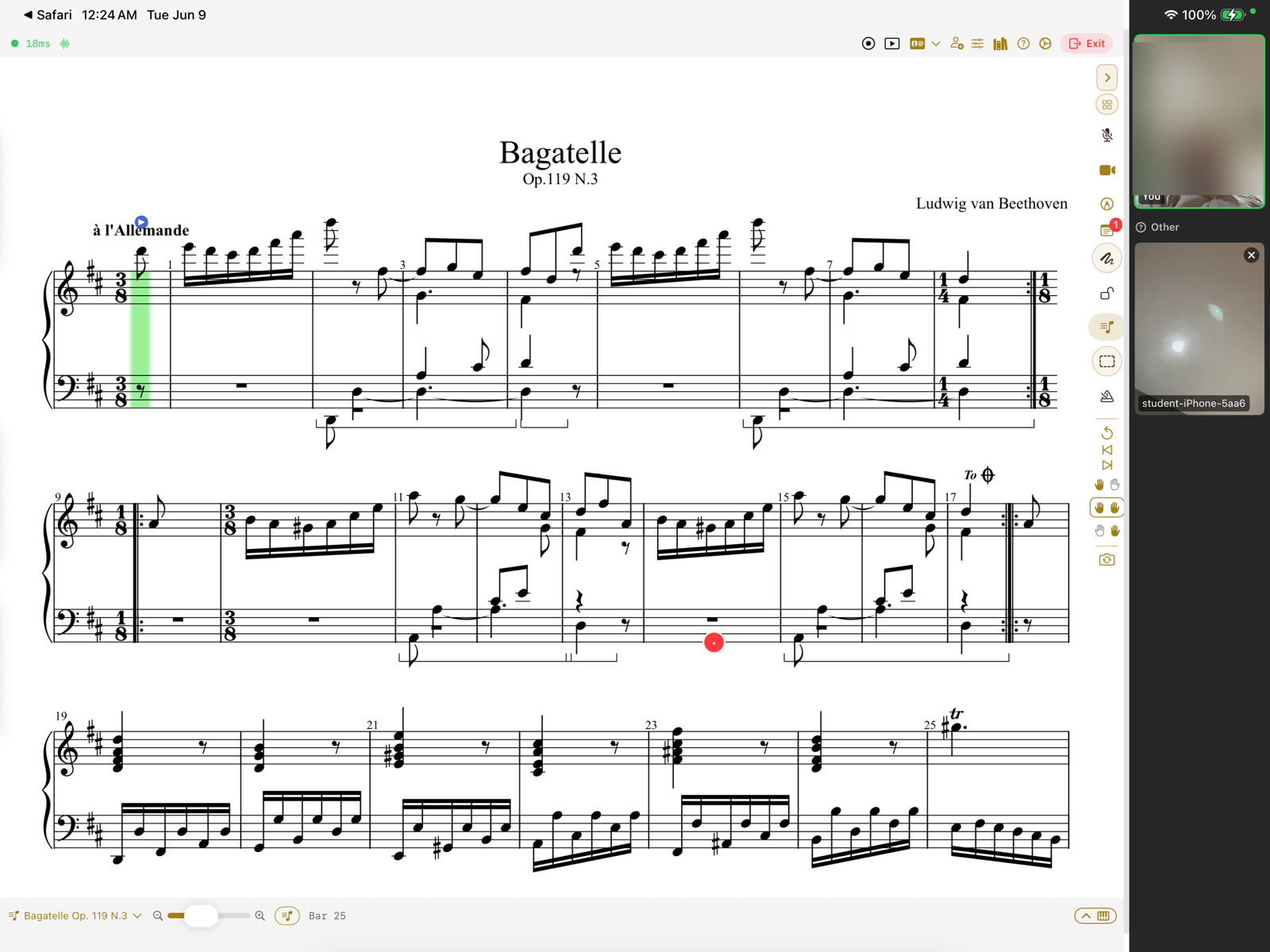
Shared scoreOne score and one synced cursor — MusicXML or PDF — on both screens at once.
Live videoFace-to-face video right beside the score.
Annotations & markupDraw in Apple Pencil, or drop fingerings, dynamics, and slurs from a notation palette.
Quick-mark notesPin a note to a bar, or tap a quick mark — slow down, wrong note, dynamics.
Session modesDemonstration, instruction, feedback — each sets sensible audio, video, and cursor defaults.
Lock what you needLock the piano, camera, mic, annotations, scrolling, or notes — each on its own.
The student stays with you“Piano locked by teacher” keeps a young student on the very same page.
Practice cursorThe cursor follows the student's playing; choose which hand leads.
Shared metronomeA shared beat: tempo, time signature, subdivision, and accent.
TransposeMove the whole score to any key in a single tap.
Score playbackPlay the score with repeats and ornaments, at 50, 75, or 100% speed.
Suggested fingeringsAn on-device engine proposes fingerings for a passage to review and publish.
Record a takeRecord a short MIDI demo onto a passage for the student to replay.
On-screen pianoNo keyboard to hand? Play and answer right on the screen.
Readiness checkMic, camera, MIDI, and network confirmed before anyone is on the spot.
Scores & library
Bring your own music, or pull from a curated collection.
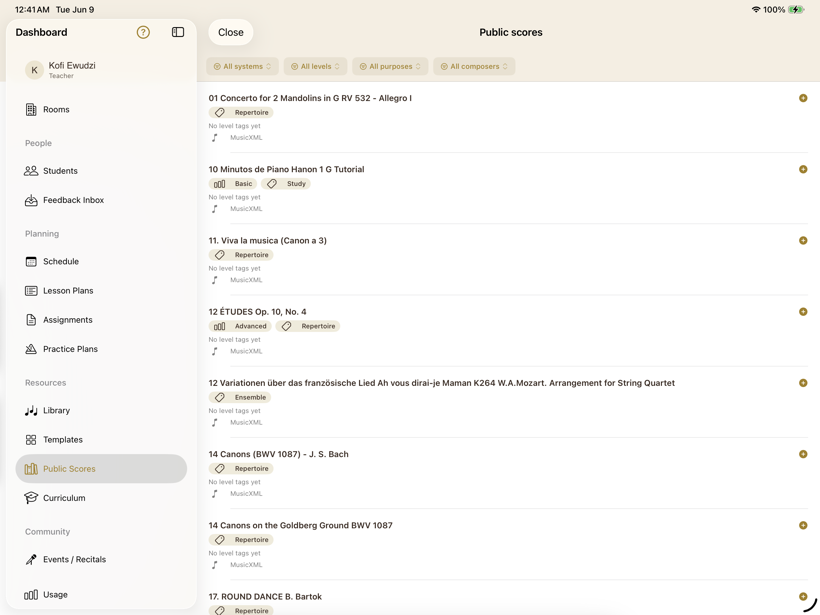
Your libraryUpload your own PDFs and MusicXML, or find more scores on IMSLP.
Free curated libraryPublic-domain classical scores, tagged by level, purpose, and composer.
Preview, then teachSee the engraved score, then attach it straight to a room.
Blank manuscriptShared blank staves to work something out by hand, together.
Learning resourcesCurated links — Hanon, IMSLP, theory drills — beside your scores.
Schedule & plan
Keep the term organised — lessons, plans, and reminders.
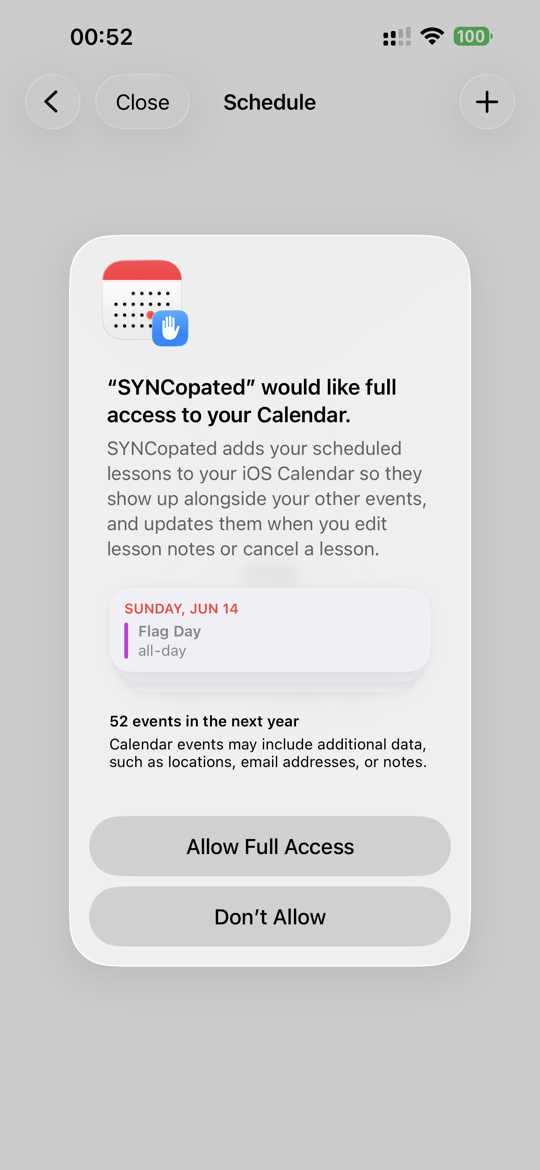
Schedule lessonsOne-off or weekly (up to twelve weeks), with notes on each lesson.
Your weekUpcoming lessons with notes — and cancellation when life happens.
Calendar syncScheduled lessons mirror to the iOS Calendar.
Lesson plansA week-by-week plan for each room.
Practice plansWarm-ups, technique, and repertoire — each with a target.
Practice & skills
The work between lessons counts too — with structure.
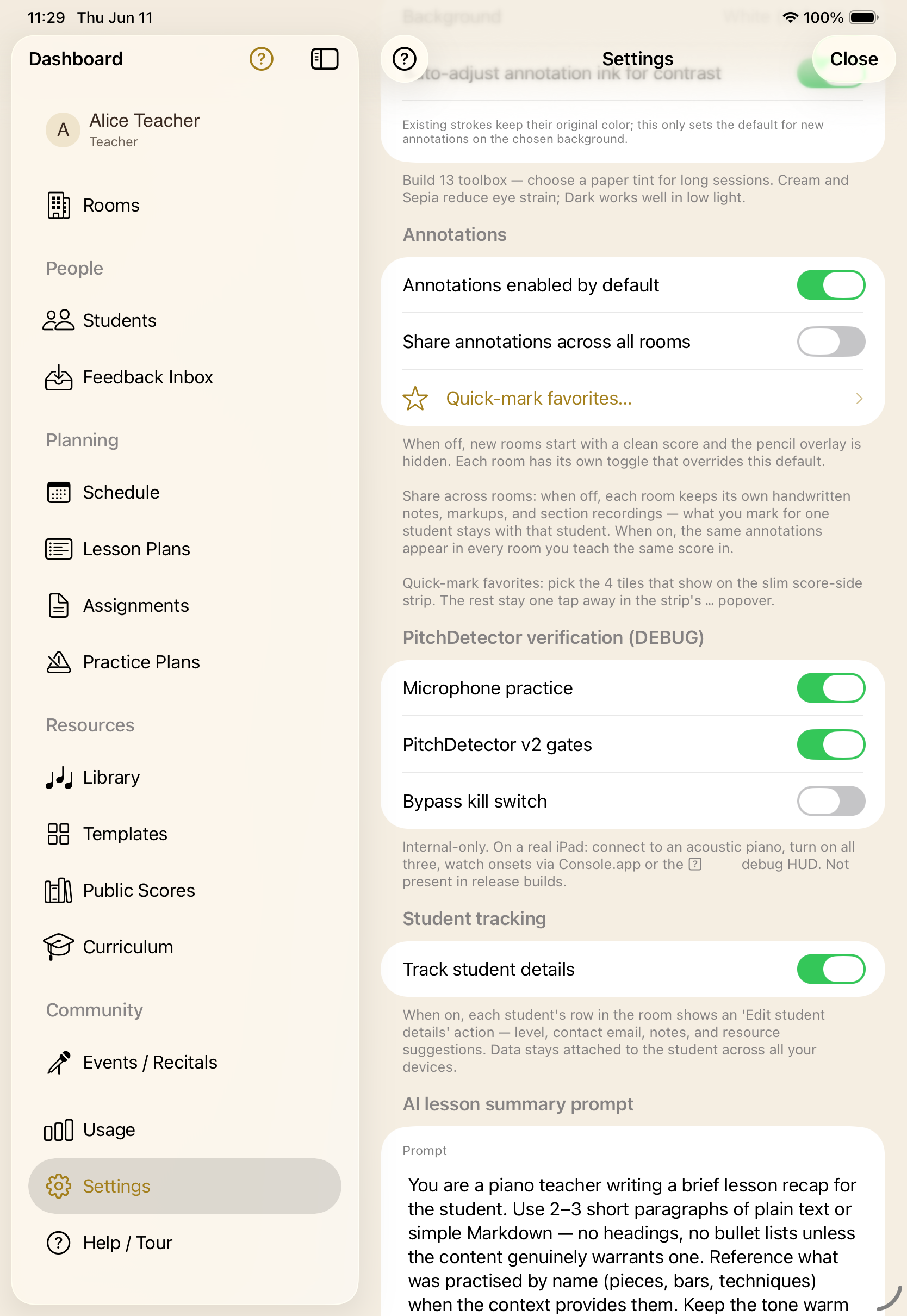
Daily agendaAn ordered run-sheet that advances as each step is mastered.
Practice anywhereA daily workout the student follows on their own device.
Practice without a cableMicrophone pitch detection follows an acoustic piano — no MIDI needed.
Note identificationName the note — on the keyboard or by tapping — graded as you go.
Scale recitalPlay the scale; the cursor follows note by note.
Mastery trackingEvery attempt is scored, so progress is plain to see.
See them practiceWatch a student's answers in real time during the lesson.
Events
When you're ready to put it on stage.
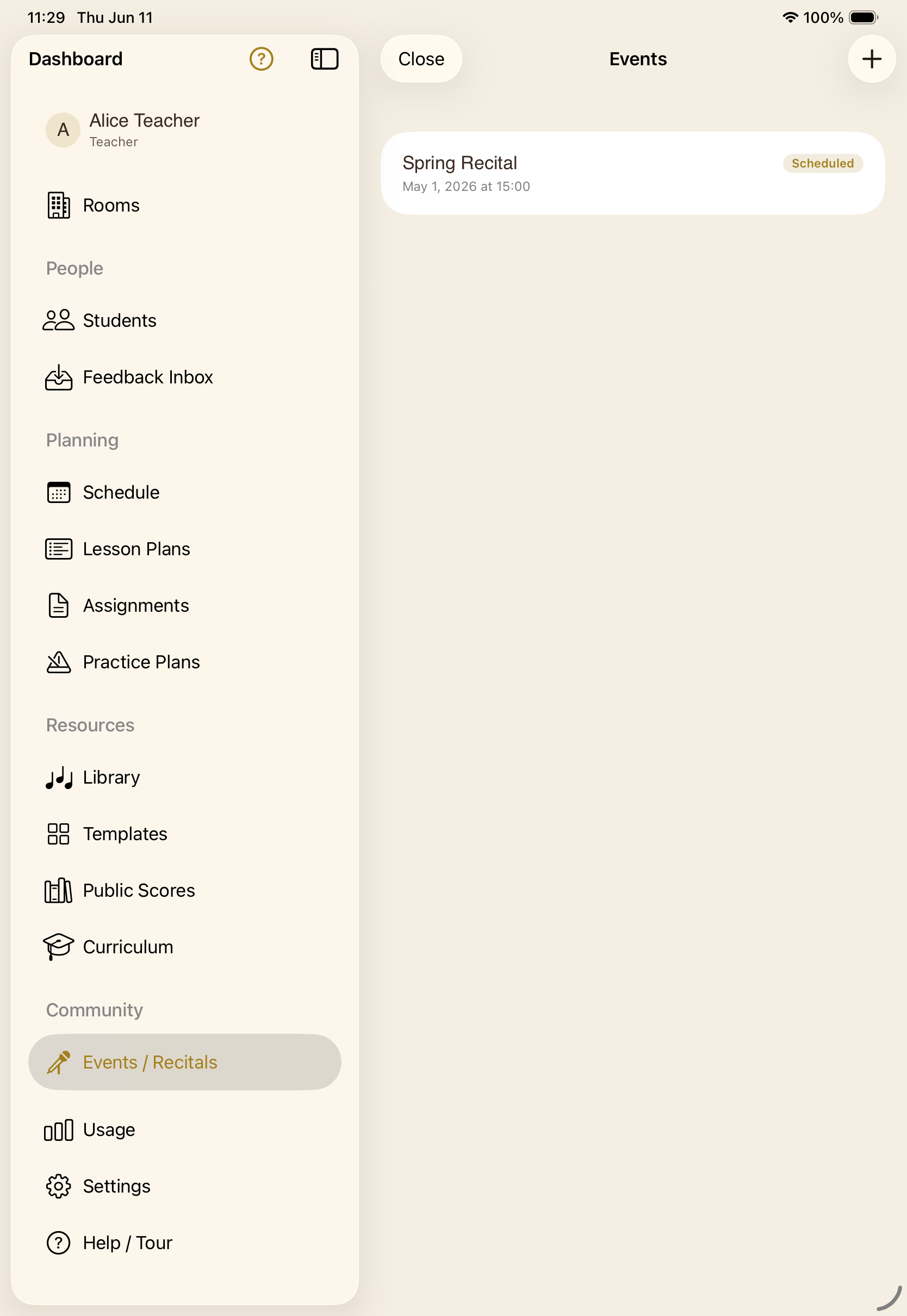
RecitalsStage a performance with performers, viewers, and optional chat — a shared stage with role-aware access.
Trust & getting started
The boring parts, done right.
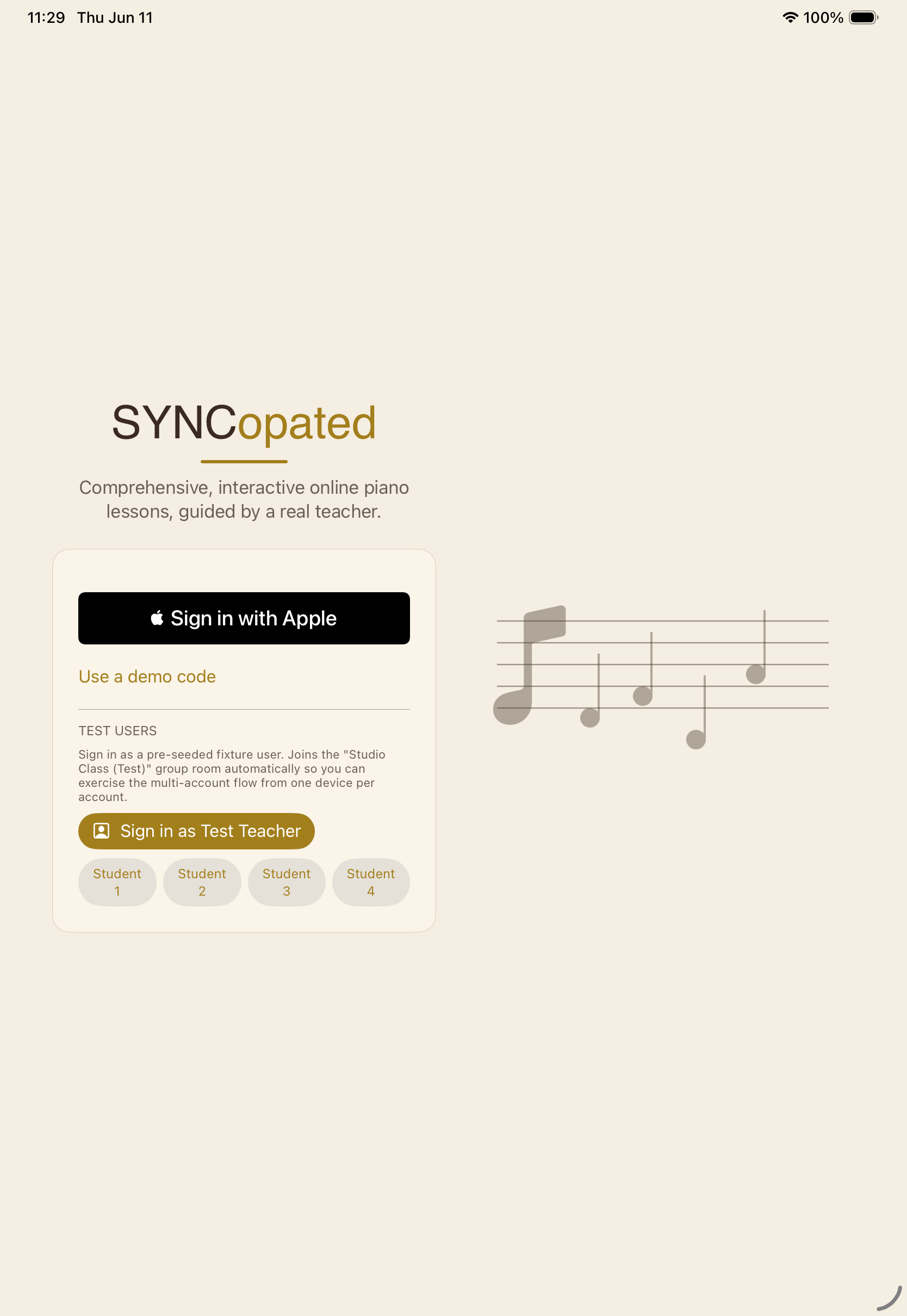
Sign in with AppleNo passwords, and a private-email option for families that want one.
Terms gateVersioned terms of use, accepted and recorded per user on first launch.
Guided tourA spotlight tour points out each control in the room.
Plain-language glossaryEvery term and control, defined and searchable.
SettingsMIDI devices, audio and video defaults, note names, and the on-screen piano.
Ready to teach?
SYNCopated is on iPhone and iPad. Set up a room, invite a student, and run your next lesson on the same page.
Join the beta on TestFlight