 SYNC
SYNCLive online piano lessons
You're in the room — and in control.
Live video, face to face. The same score on both screens, your annotations live on the page, and every control in the teacher's hands — built for teaching real piano, especially to young students.
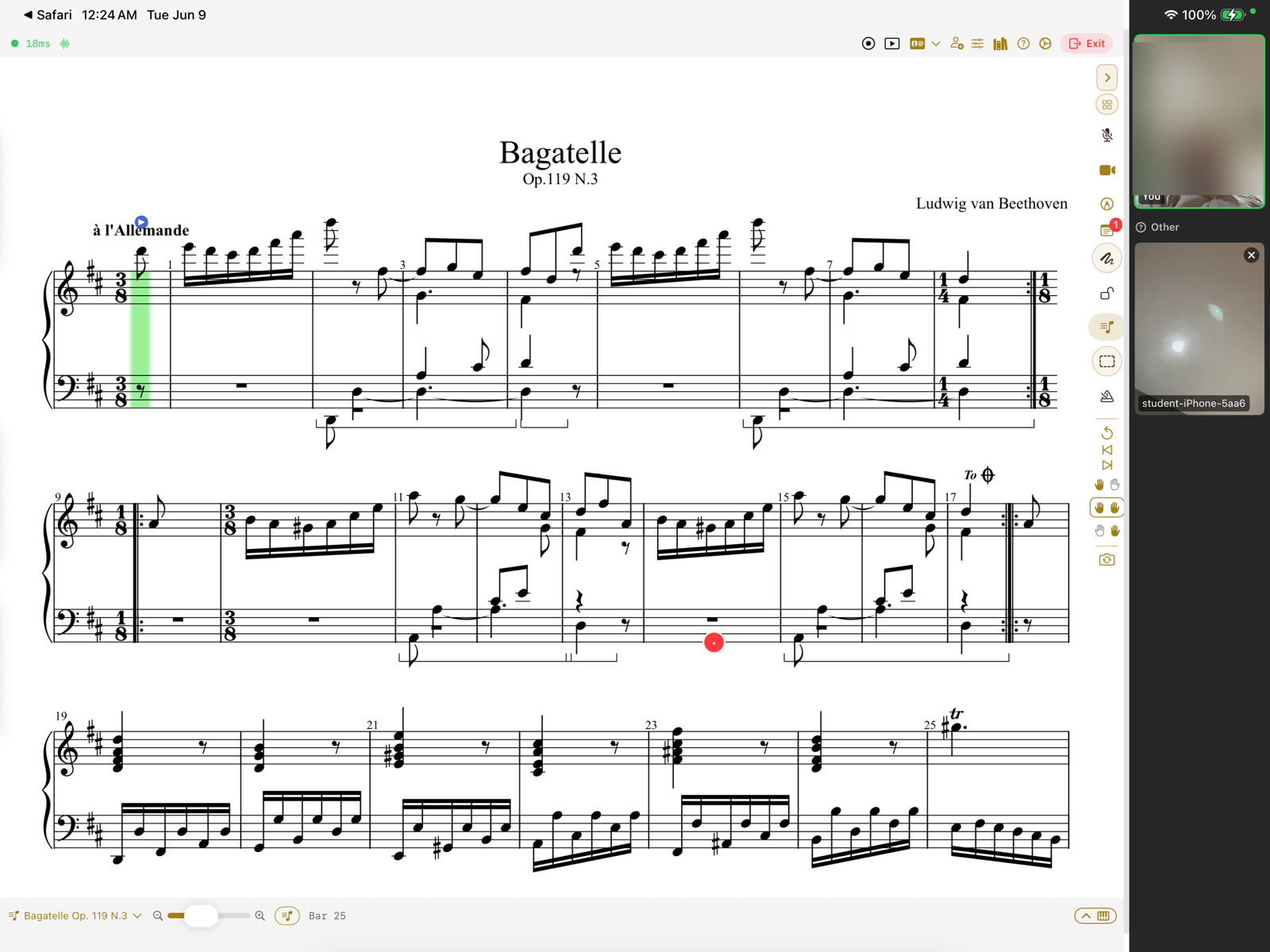
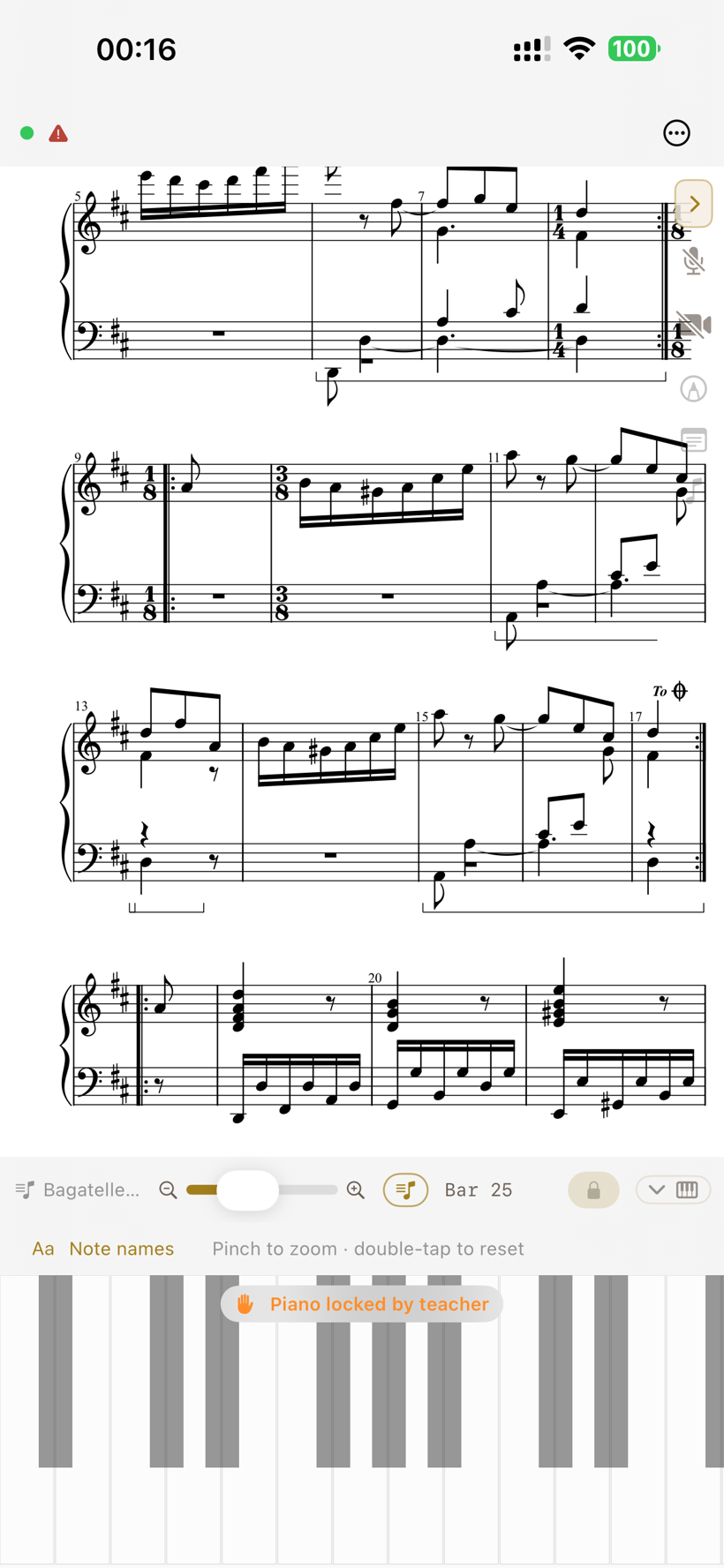
One lesson, both screens — the same score, live video, and the teacher in control. Real screenshots; the teacher's camera tile is blurred for privacy.
Comprehensive online piano lessons, done right
Not one clever trick — the whole arc of a lesson, built properly.
The whole arc, one app.
Live lessons, a shared score, exercises, practice between sessions, and everything to run a studio — not a video call bolted onto a PDF.
Plays the music, not just the notes.
The score plays as written — dynamics swell through the hairpins, ornaments resolve to the right notes for the key, the sustain pedal actually pedals.
Stays in time, even on bad wifi.
Your playing travels as tiny note messages, not an audio stream, rendered on each device — so it stays in time on hotel wifi, a hotspot, or a rural line.
A curated library, as living notation.
A growing, curated collection of public-domain classical works in MusicXML — interactive notation you can play, hear, transpose, and annotate.
Plays the music
Hear a score played as written — not flattened.
The lesson
A lesson, not a screen-share.
One score, in front of both of you.
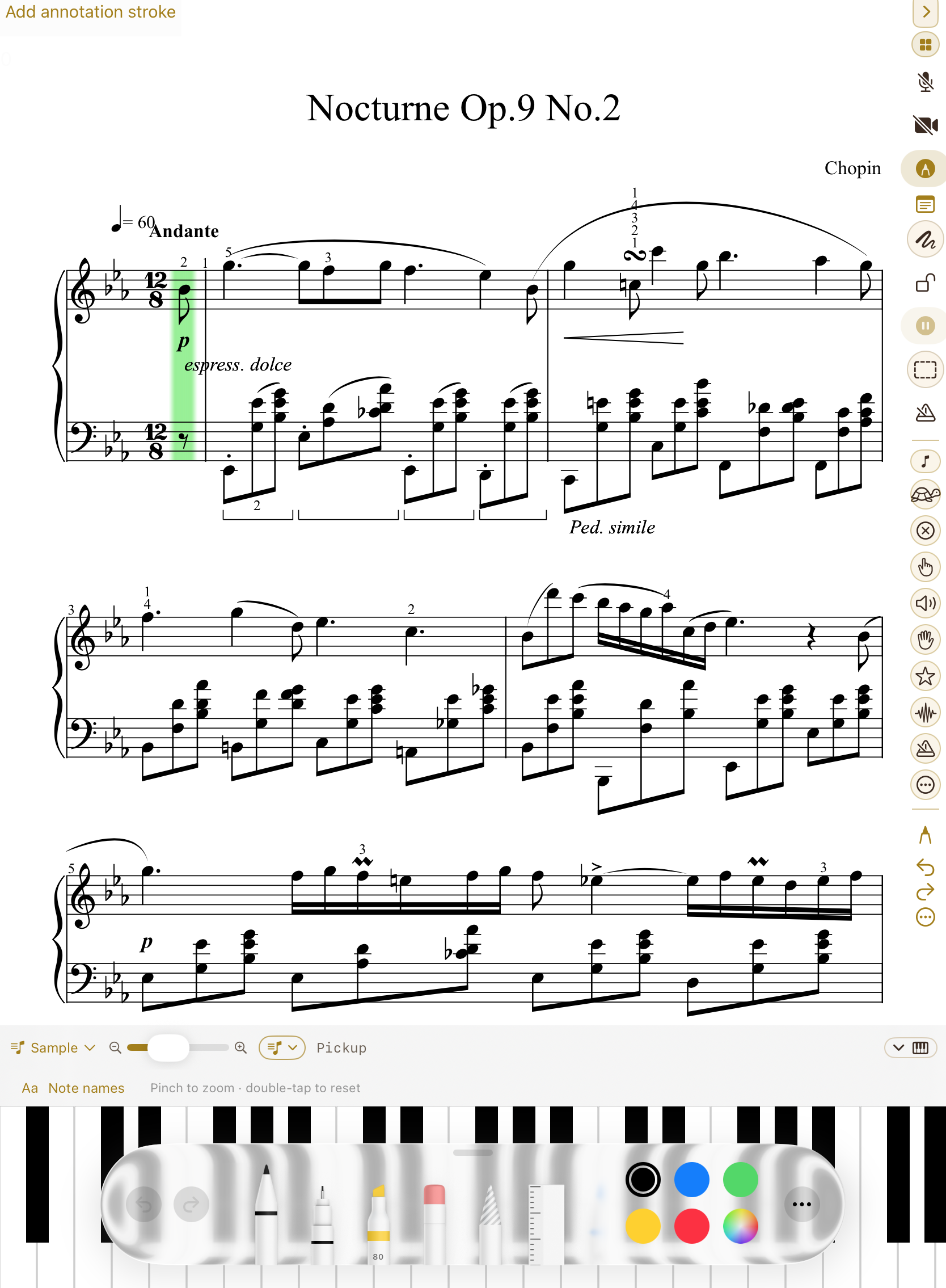
Open a MusicXML score and it's engraved live; open a PDF and it renders page by page. Scroll or jump to a measure and the student's iPad follows — and a practice cursor advances note-by-note as it's played correctly.
What the teacher plays sounds on the student's piano.
With MIDI on each end, a demonstrated phrase travels note-for-note — the voicing and phrasing, not a compressed video of distant hands. Live voice and video sit alongside, and a readiness check confirms mic, camera, MIDI, and network before anyone's on the spot.
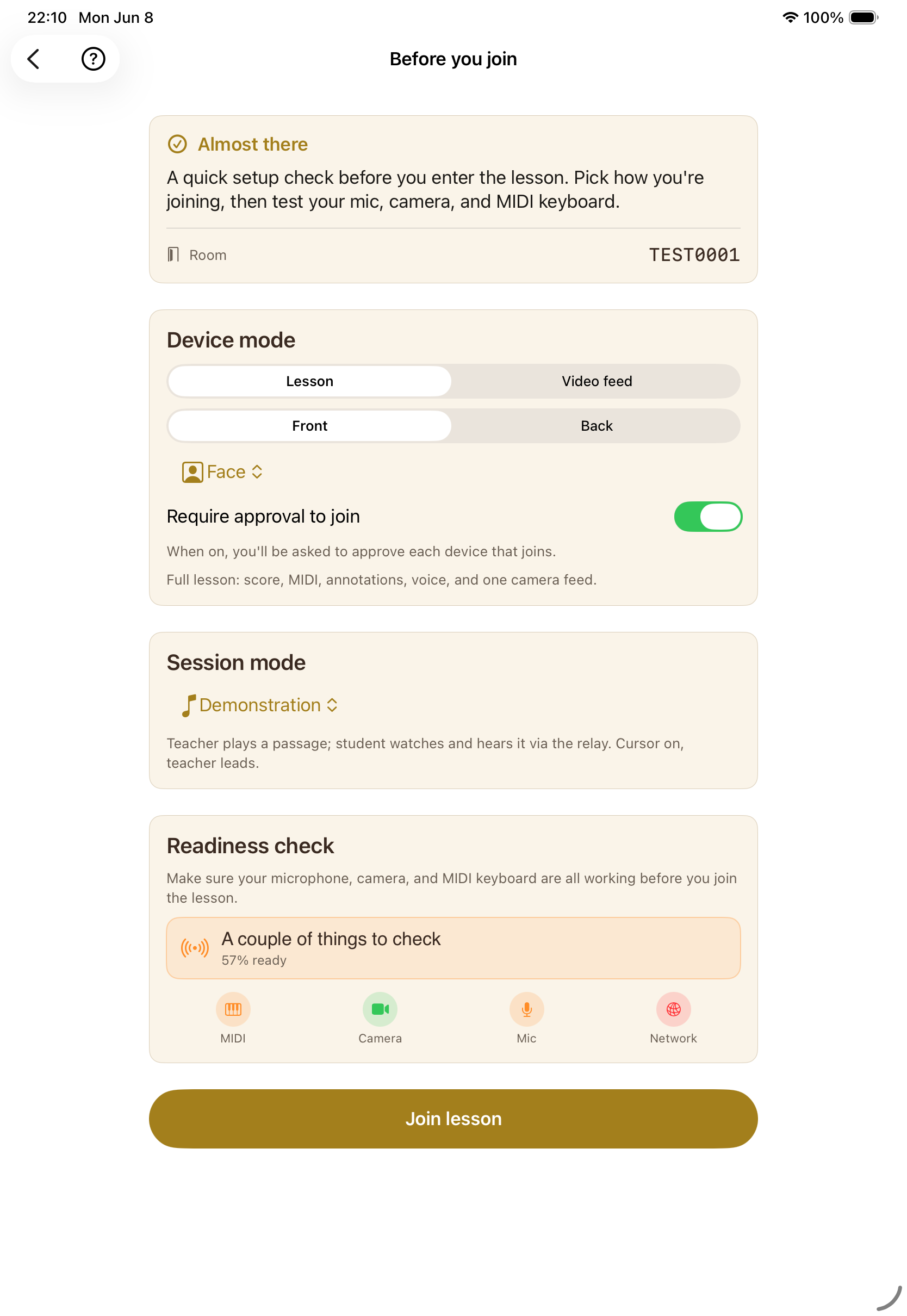
See the full walk-through, step by step →
Your studio
Run the whole studio from one place.
Every student, one dashboard.
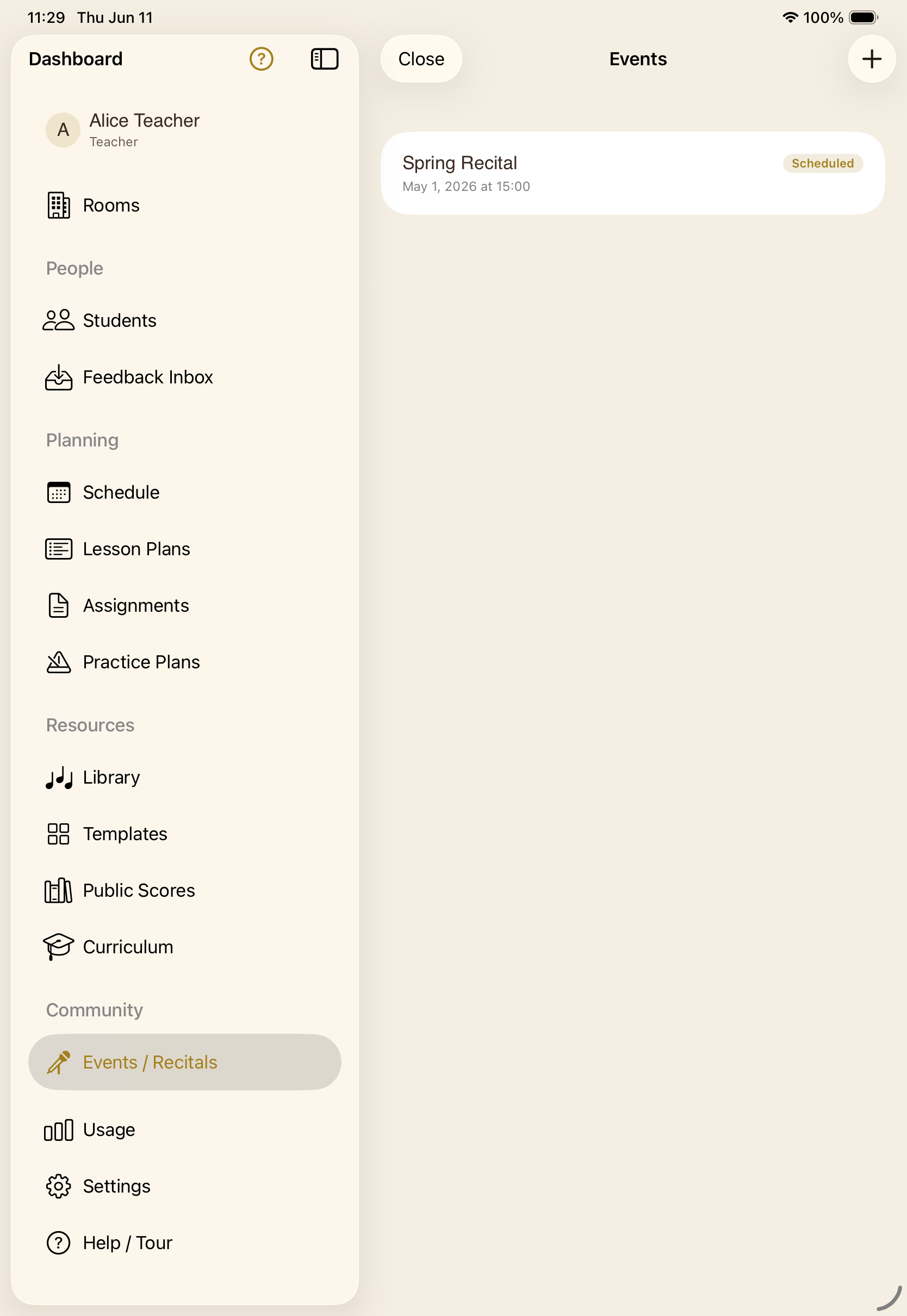
Rooms, people, planning, and resources in a single sidebar. Jump from a student to their room, their plan, or their progress in a tap — no spreadsheets, no second app.
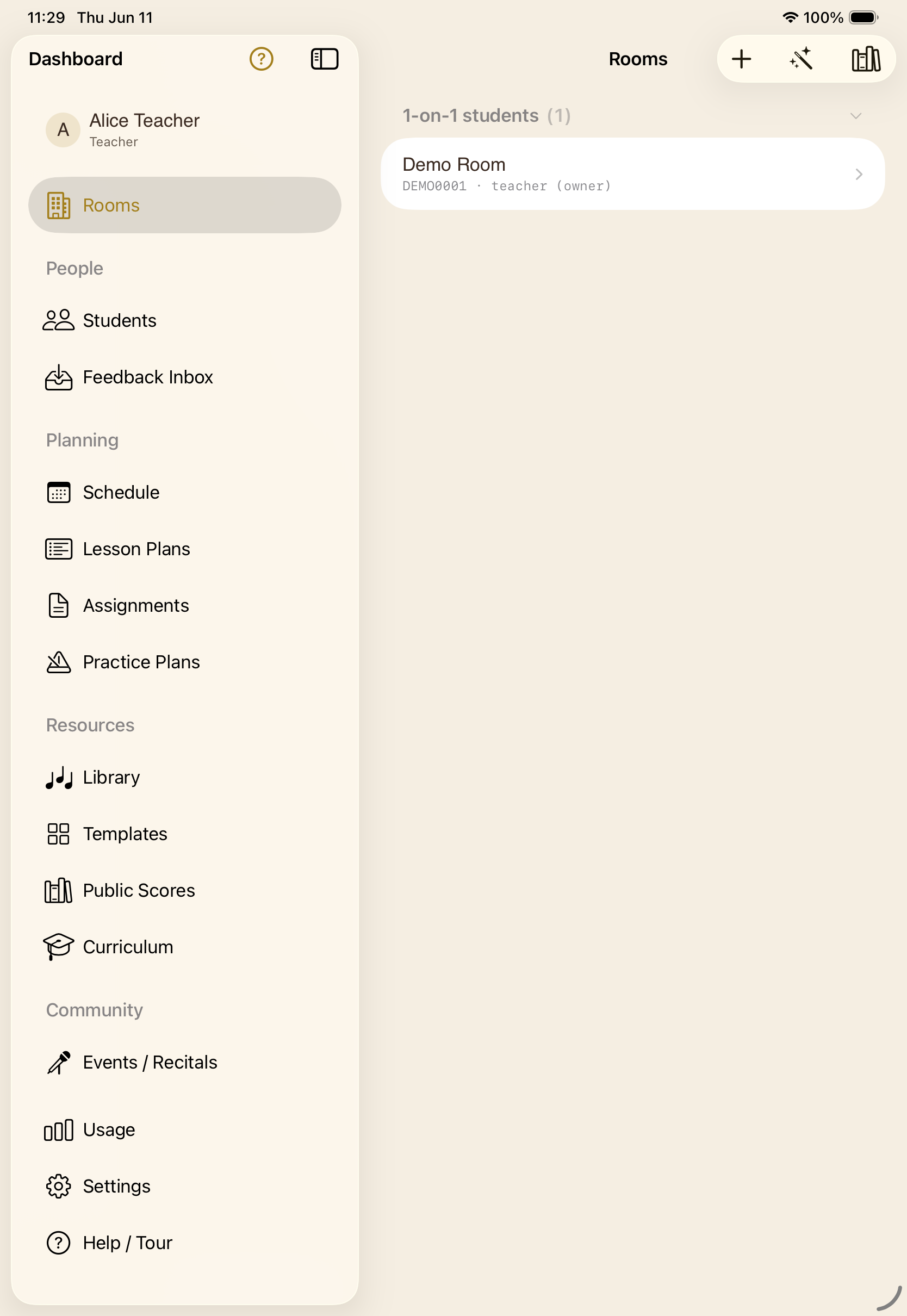
Private rooms, or a whole class.
Group rooms where the teacher can focus on one student at a time, or a private room per student. Invite once — members stay in the room across every lesson.
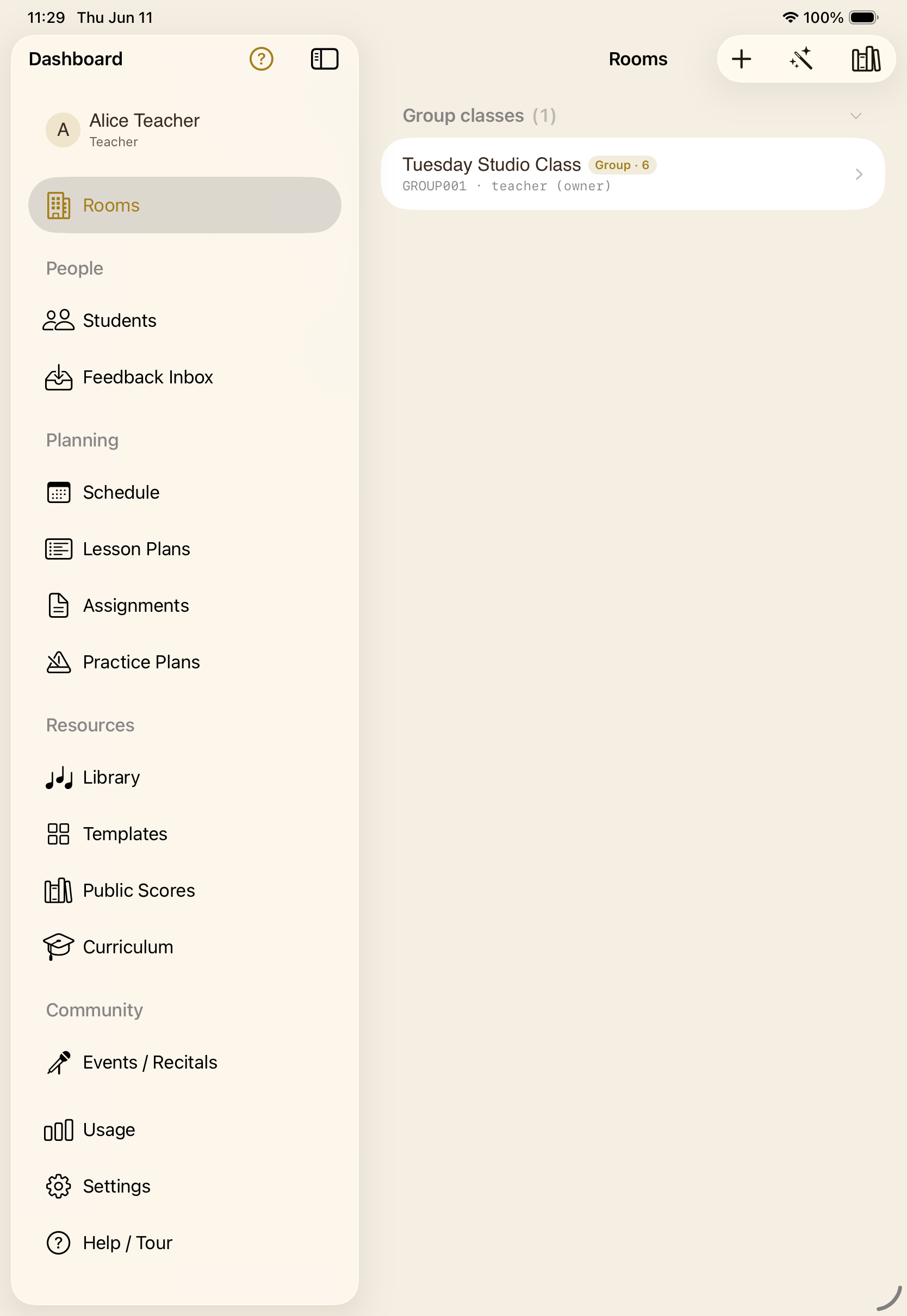
Clone a student from a template.
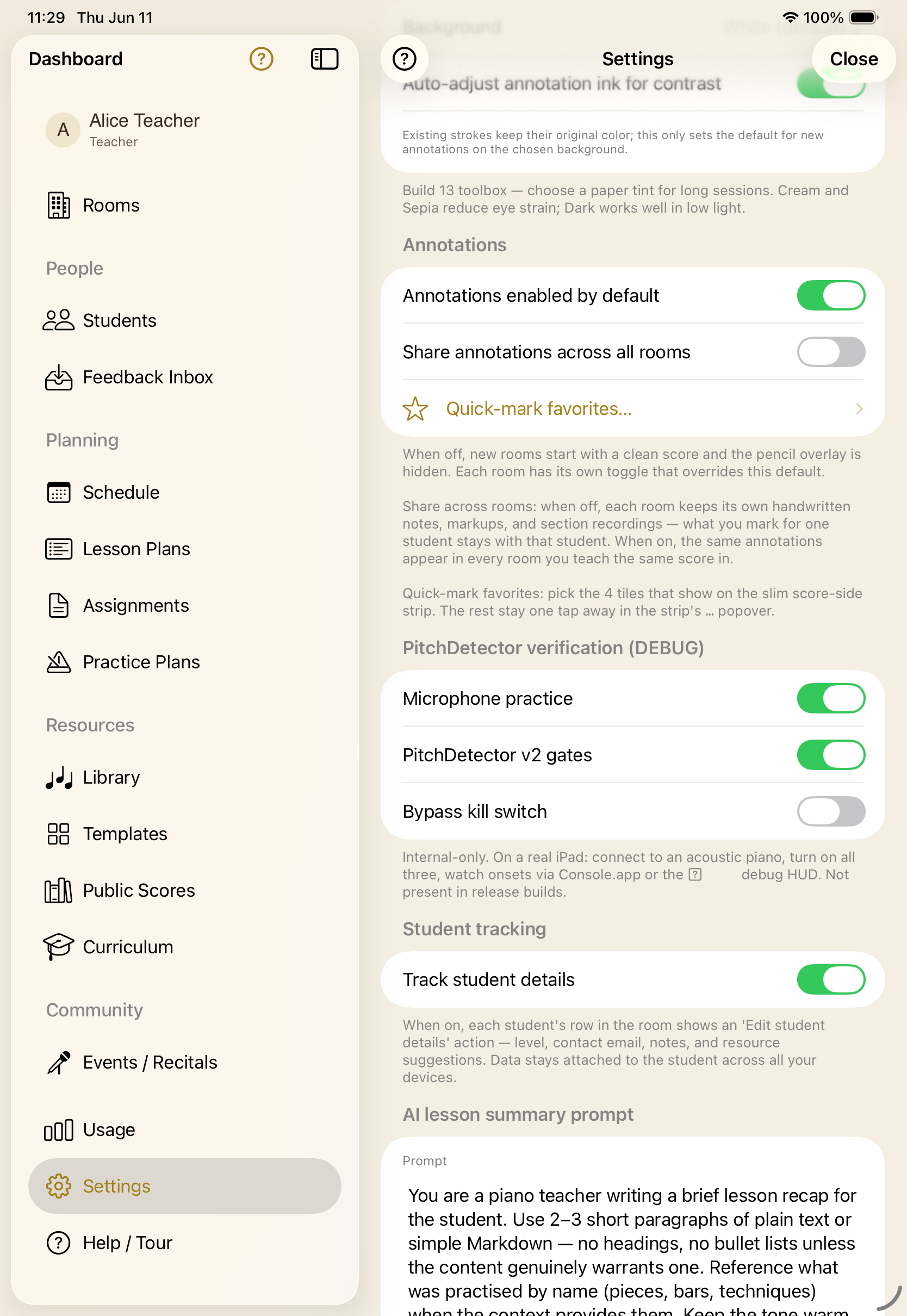
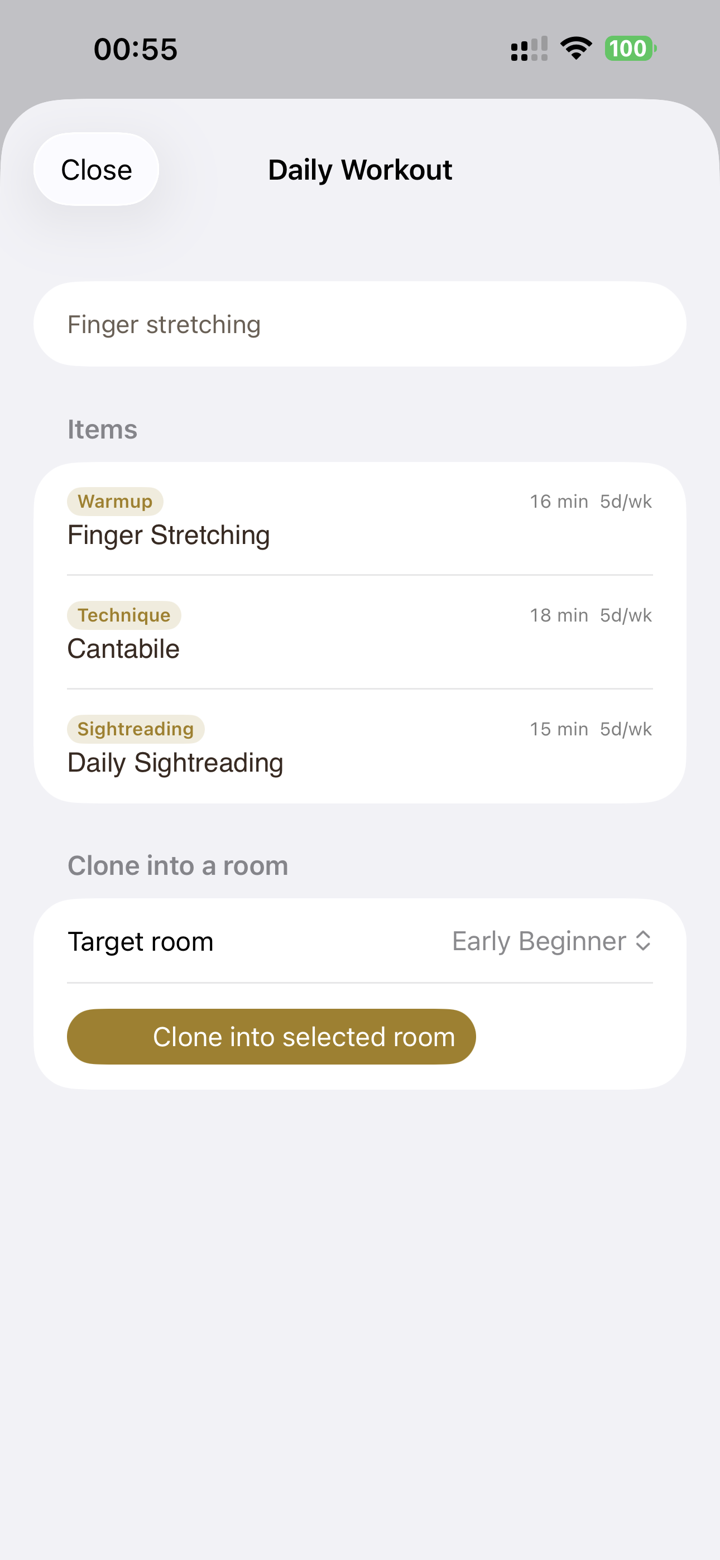
Save any room as a template, or clone a curriculum-tagged starter pack — scores, assignments, lesson plan, and practice routine come along for the ride.
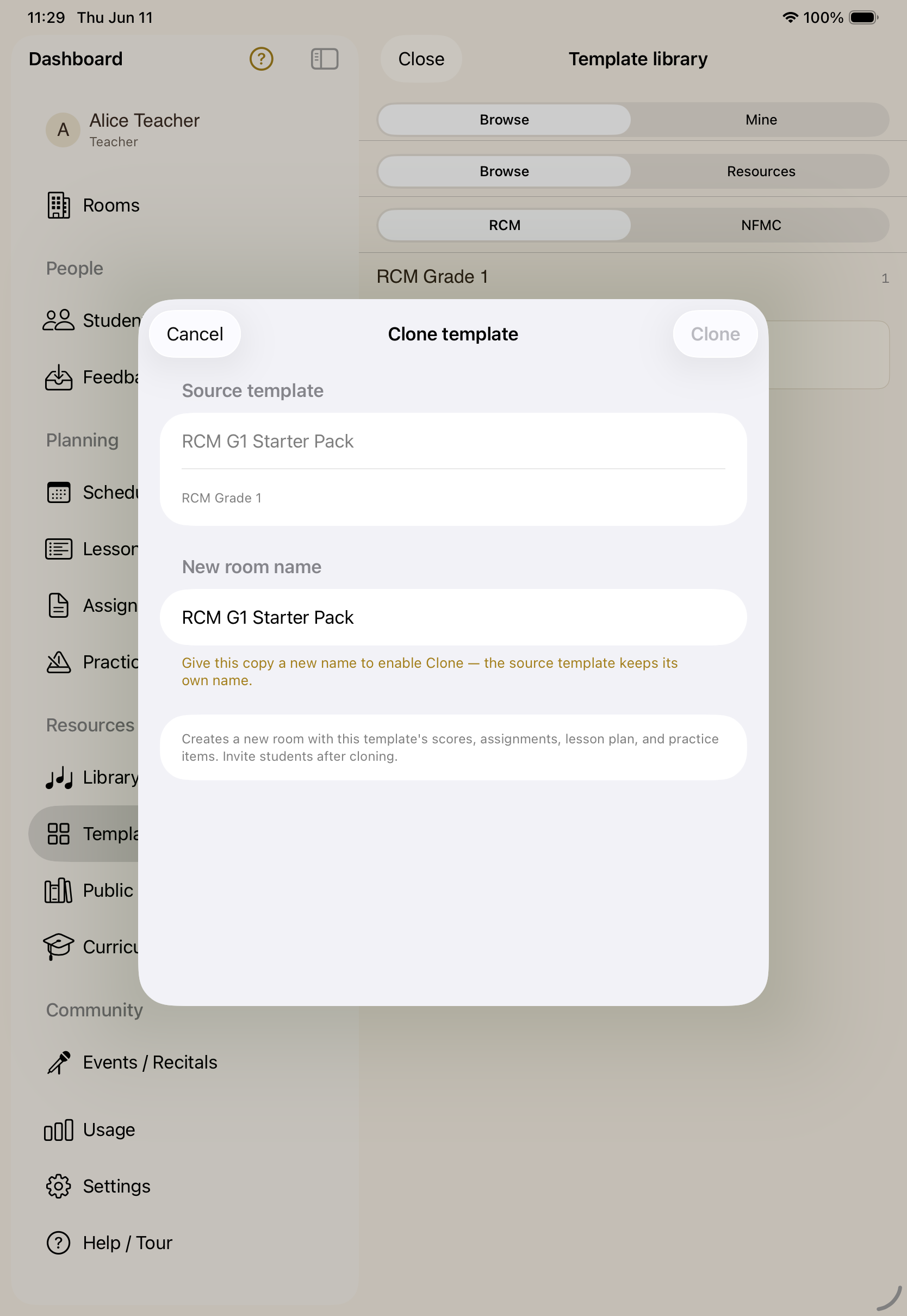
Recitals, with an audience.
Stage a performance with a performer-and-viewer roster and a shared stage — the same room tools, scaled up for an audience.
For young students
Made for teaching seven-year-olds.
A deliberate door, not an auto-join.
Every device asks to join; the teacher admits it. Lock the piano, camera, mic, annotations, or scrolling — each on its own, or all at once — to keep a wandering seven-year-old on the same page as you, literally.
Between lessons
The practice between lessons counts too.
Practice on an acoustic piano, no MIDI required.
Microphone pitch detection lets the cursor follow an acoustic piano through the iPad's mic — so practice between lessons doesn't need any extra hardware.
A daily agenda, and exercises that grade as you play.
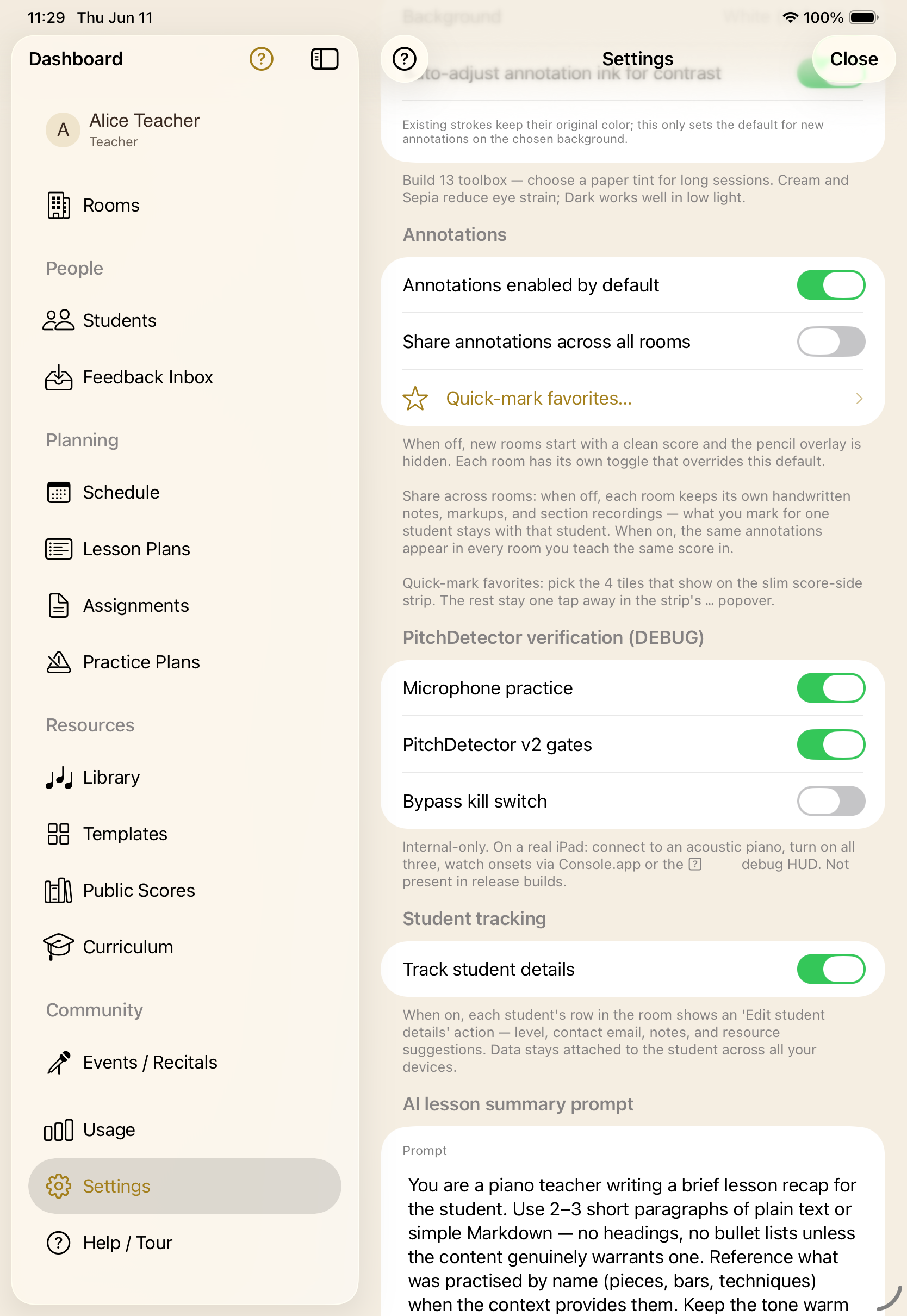
An ordered routine of exercises, scores, and assignments that advances as skills are mastered — with a “move on” option. Note and chord identification, scales, and ear training, each tracking mastery over time, with a teacher or in a self-study room.
A curated classical library, free.
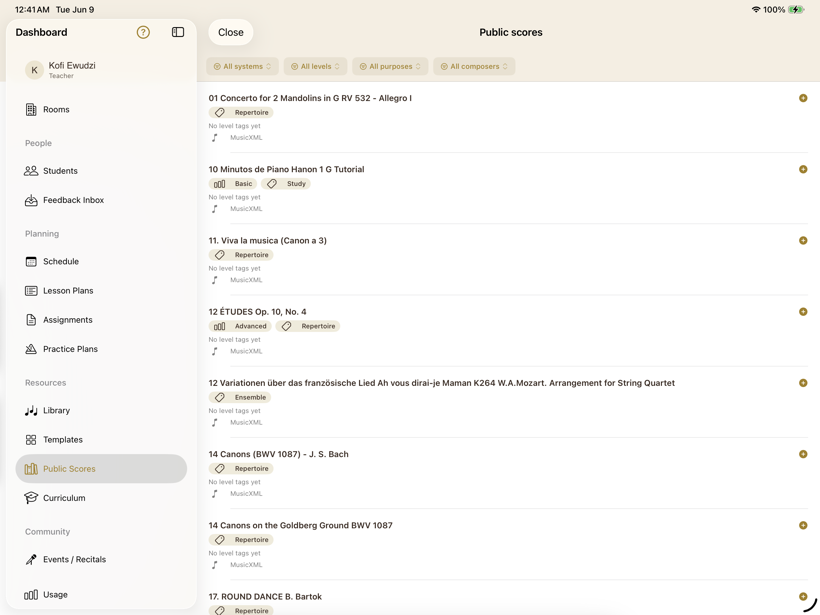
Bring your own PDFs and MusicXML — upload, organise, and attach only what a room's students should see. Or pull from a hand-curated collection of public-domain classical scores, already tagged and ready to teach from or practise with.
- Upload your own scores (PDF & MusicXML) and keep each room focused on just its pieces.
- Browse the curated public-domain collection by composer, level, and purpose.
- Shared blank manuscript pages for working something out together, by hand.
- Equally at home in a lesson or in a student's own practice.
Trust
The boring parts, done right.
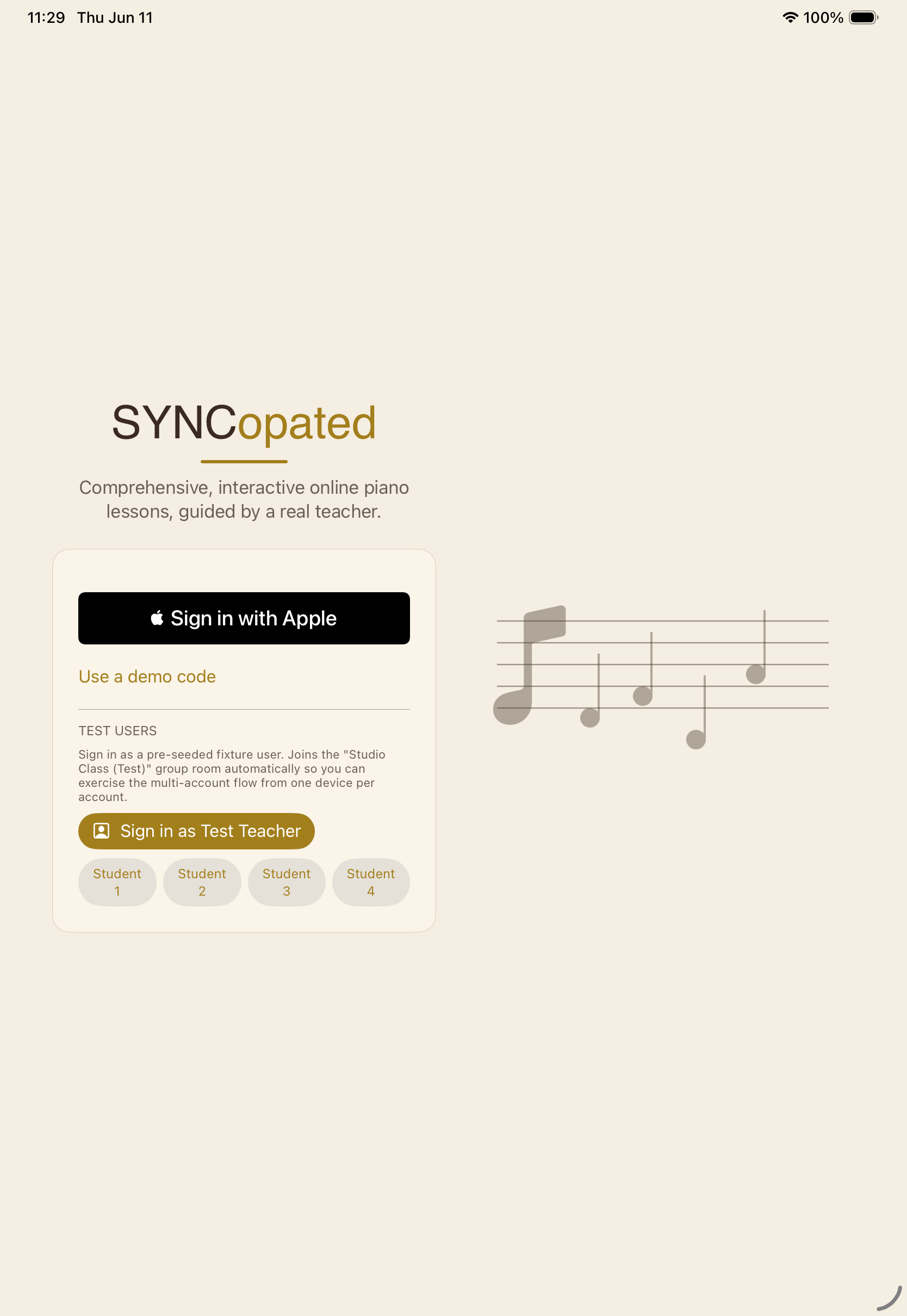
No passwords, no separate account.
Sign in with Apple — a private-email option for families that want one. Students use their own Apple ID, already age-gated and parent-controlled. One tap, and you're in.
The kind of thing a school actually asks about.
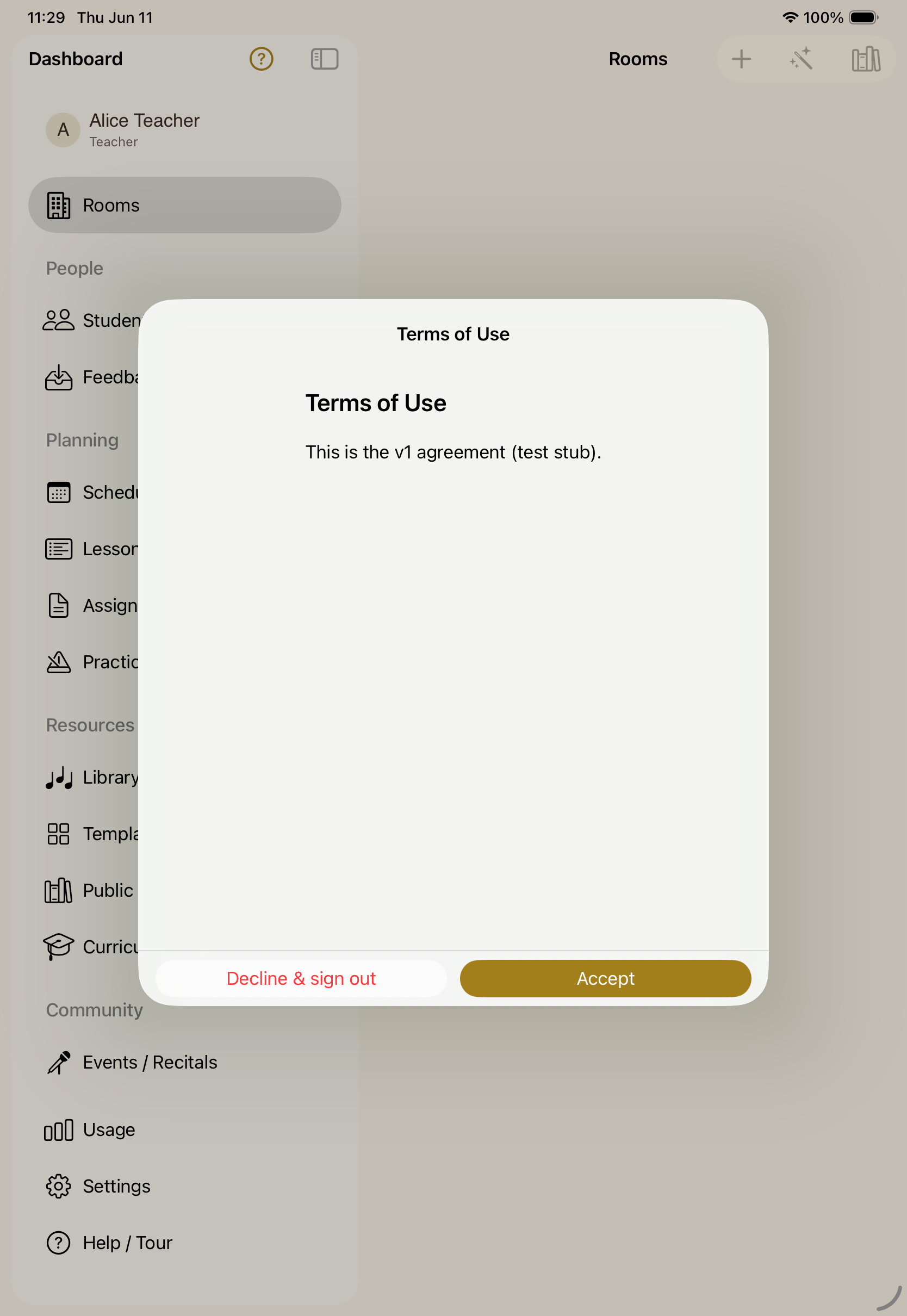
Versioned Terms of Use, accepted per user and recorded, on the first launch. Students only see the rooms they're invited to. No third-party trackers, no data resale — and audio and video are streamed for the lesson, not stored.
Built for a specific room.
Piano teachers who miss the bench.
You learned at a grand in a quiet room, and you want your students to feel something close to that — even three time zones away.
Students learning with a teacher.
Acoustic or digital, upright or grand. If there's a keyboard and an iPad on the music stand, SYNCopated fits.
Adults learning on their own.
A self-study space: pick a piece from the library, hear it played properly, run drills, and track your own progress. No teacher, no schedule.
Parents of young players.
One account for the household, opt-in end-of-lesson summaries, and a progress view the teacher can share. No dark patterns.
Bring your studio online.
SYNCopated is on iPhone and iPad. Set up a room, invite a student, and teach your next lesson on the same page — wherever you both are.
Join the beta on TestFlight